
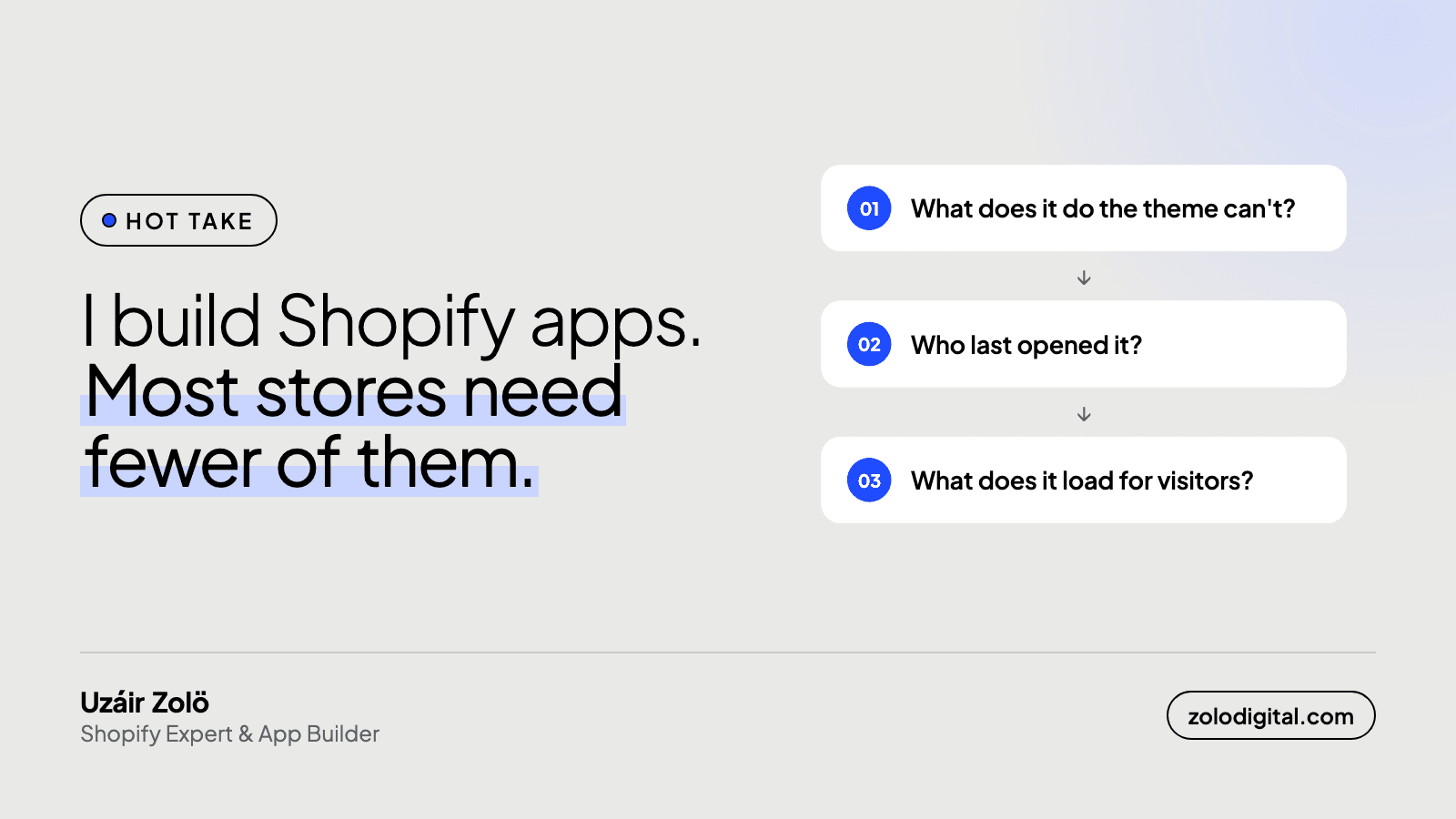
Most Shopify stores run more apps than they need. Each one adds a monthly cost, code that loads for every visitor, and a dependency that can break. The test is simple: keep an app only if it does something Shopify or your theme can't, someone actually uses it, and it doesn't slow the storefront.
I build Shopify apps, and I still think most stores have too many of them.
What does every app cost you?
Every app you install adds three things:
- A monthly cost that nobody reviews after the first month.
- Code on your storefront: scripts, styles or blocks that load for every visitor.
- A dependency: when the app breaks, changes pricing or shuts down, your store feels it.
None of that is a reason to avoid apps. It's a reason to make each one earn its place.
Which questions decide whether an app stays?
- What does it do that the theme or Shopify can't? A lot of apps were installed before Shopify added the feature natively.
- Who uses it, and when did they last open it? If the answer is "nobody knows", it's a candidate for removal.
- What does it load on the storefront? An admin-only tool costs you nothing in speed. A widget on every product page does.
- What happens if it disappears tomorrow? If the answer is "checkout breaks", it needs a plan B.
How do you measure what an app costs in speed?
Guessing doesn't work; some heavy-looking apps load nothing on the storefront and some innocent ones load a lot. Three checks tell you the truth:
- The Network tab. Open the storefront in Chrome DevTools, filter by JS, reload the product page, and sort by size. Each script's domain tells you which app it belongs to. Do the same on the homepage: some apps load site-wide, others only where their widget appears.
- App embeds. In the theme editor, open App embeds. Everything switched on here injects code on every page. Switching an embed off is instant and reversible, so you can test the page with and without it.
- PageSpeed Insights. Run the product page before and after switching an embed off. If responsiveness (INP) or largest contentful paint improves, that app was costing you. Google explains both measures in its Core Web Vitals guide.
A 20-minute app review, step by step
- List every installed app with its monthly price. Shopify's Apps page and your last bill give you both.
- Next to each one, write who uses it and what for. If nobody knows, that's your answer.
- Mark the ones that load on the storefront, using the checks above.
- For each storefront app, ask whether the theme can do it now. Product reviews, sticky add-to-cart bars, size charts, announcement bars and back-in-stock forms are all things modern themes or Shopify itself handle for many stores.
- Uninstall the ones that fail, one at a time, checking the product page and cart after each.
Then check the theme for leftovers, because uninstalling often isn't the end of it.
When does a custom build beat an app?
If you're paying for three apps to do one job, or bending an app to fit your process, a small custom feature or private app is often cheaper within a year, and it does exactly what you need.
When does an app beat a custom build?
When it solves a common problem well, is actively maintained, and doesn't load anything you don't need. That's the standard I hold my own apps to.
What happens after you uninstall?
Removing an app doesn't always remove its code from your theme. Check theme.liquid and /snippets for leftovers.
Want someone to go through your app list with you? That's part of a Shopify audit.