
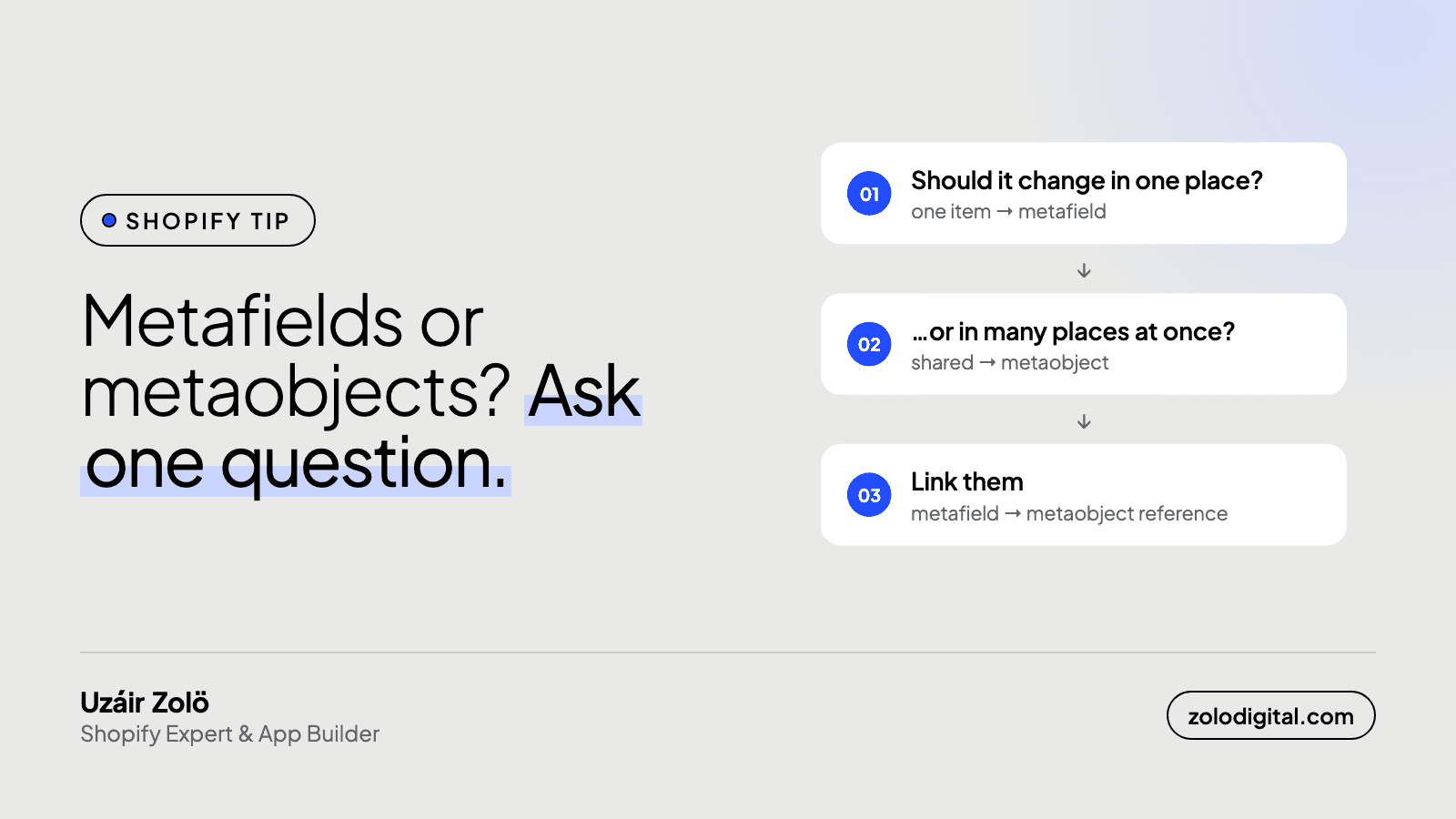
Metafields add a field to something that already exists: a product, variant, collection, customer, order or the shop. Metaobjects create a new kind of thing with its own fields that many products can reference. If a change should show in one place, use a metafield; if it should show in many places, use a metaobject.
Every Shopify build eventually hits this: the product needs more information than Shopify's default fields hold.
When should you use a metafield?
If the information is specific to a single product, a metafield is the right tool. Examples:
- Care instructions for a garment
- A "Made in" country
- A short subtitle shown under the product title
{%- if product.metafields.custom.care_instructions != blank -%}
  <div class="product-care">
    {{ product.metafields.custom.care_instructions | metafield_tag }}
  </div>
{%- endif -%}
When should you use a metaobject?
If the same block of information repeats across many products, or it has several fields of its own, make it a metaobject. Examples:
- Size charts: one "Tops" chart shared by 200 products
- Ingredients: each with a name, description and image, reused across a skincare range
- Designer or brand bios: written once, shown on every product by that designer
You then link products to it with a metafield of type metaobject reference:
{%- assign chart = product.metafields.custom.size_chart.value -%}
{%- if chart -%}
  <h3>{{ chart.title.value }}</h3>
  {{ chart.table | metafield_tag }}
{%- endif -%}
Update the chart once, and every product that references it updates too.
How do you set them up?
Both live under Settings → Custom data in Shopify admin.
For a metafield, pick the resource (Products, Variants, Collections and so on), add a definition with a namespace and key, choose the type (single line text, rich text, file, a list of something, a reference to a metaobject) and give it a name merchants will understand. Tick "storefront access" if the theme needs to read it, and pin it so it shows on the product form without scrolling.
For a metaobject, define the object itself first: a name, then its fields, each with its own type. Then create entries. If products need to point at those entries, add a product metafield of type "metaobject reference" for that definition, and the product form shows a picker instead of a text box.
Can you use them without writing Liquid?
Mostly, yes. In the theme editor, most text, image and link settings have a small "connect dynamic source" icon. Click it and you can bind that setting to a product metafield or a field of a referenced metaobject. A block that shows "Care instructions" from a metafield needs no code at all. Liquid is for the cases the editor can't express: conditionals, loops over a list, or a metaobject with several fields laid out together.
Can a metaobject reference another metaobject?
Yes, and it's often the right shape. An "Ingredient" metaobject can reference a "Supplier" metaobject; a "Collection story" can reference a list of "Designer" entries. In Liquid you walk the chain with .value: product.metafields.custom.ingredient.value.supplier.value.name. Keep the chains short and the lists small, though: a product page that resolves a list of 40 references, each with its own references, is doing real work on every request.
How do you decide quickly?
Ask: "If I change this, should it change in one place or many?"
- One place, for one item → metafield
- One place, for many items → metaobject, referenced by a metafield
| Metafield | Metaobject | |
|---|---|---|
| What it is | An extra field on something that already exists | A new kind of record with its own fields |
| Lives on | A product, variant, collection, customer, order or the shop | Its own entries, referenced from other things |
| Best for | Data unique to one item | Data shared by many items, or with several fields |
| Change it once, and it updates | That one item | Every item that references it |
| Example | Care instructions for one garment | A size chart used by 200 products |
Shopify's own guides cover the admin screens in detail: metafields and metaobjects.
What are the common mistakes?
- Copy-pasting the same content into 200 product metafields. The day it changes, someone edits 200 products. That's a metaobject.
- Using a metaobject for a single yes/no flag. Overkill. A boolean metafield is enough.
- Hard-coding content in the theme because "it's the same on every product". It works until marketing wants to change it without a developer.
If you're restructuring a catalogue and want to move a lot of data into metafields at once, bulk import saves days. My app Collection Toolkit creates metafield definitions and imports or exports their values in bulk.