
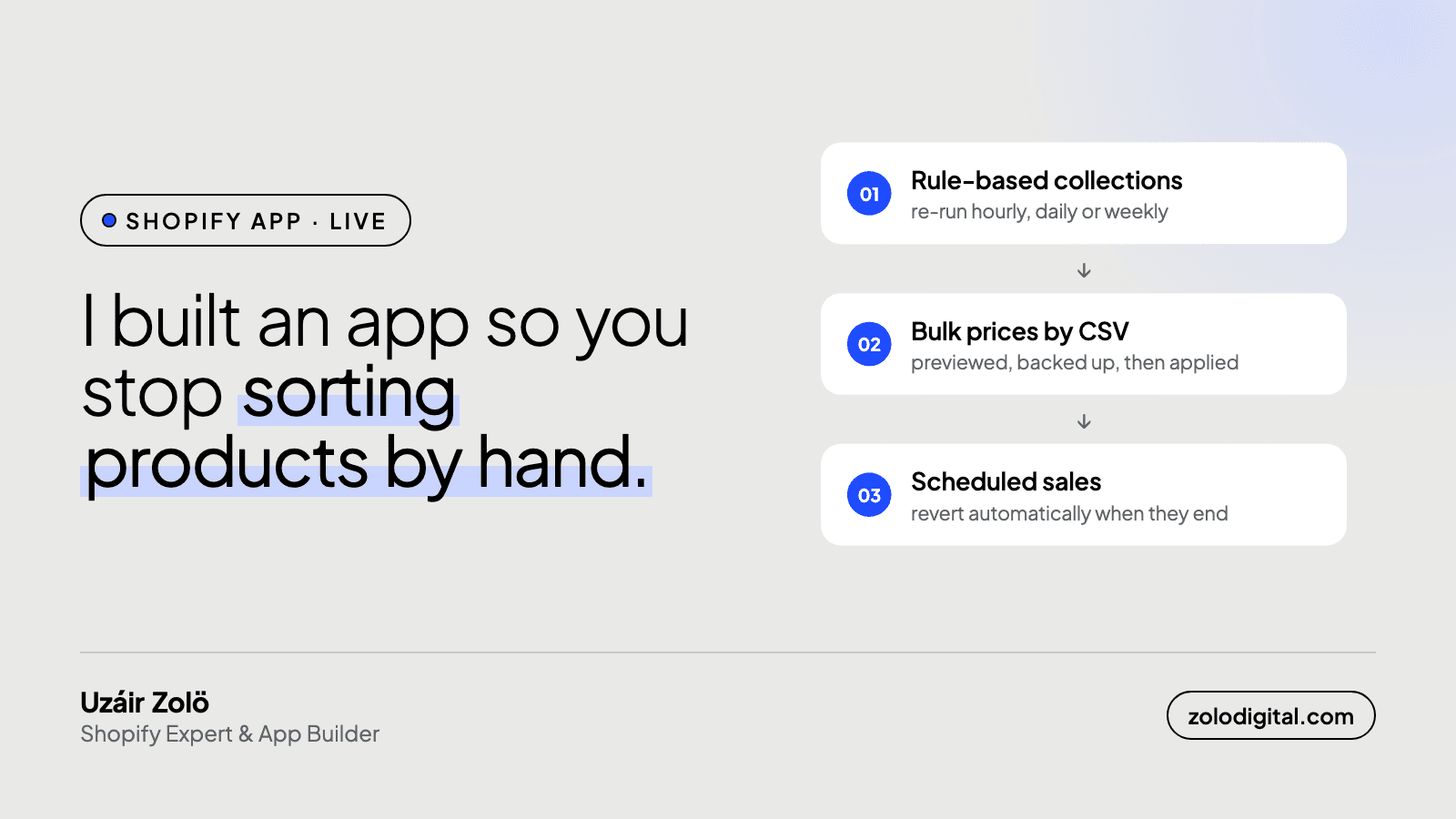
Collection Toolkit is a Shopify app that fills collections automatically from rules, bulk-edits prices and inventory by CSV with a preview and a backup, and schedules sales that revert on their own. It's live on the Shopify App Store, and it never touches customer or order data.
Some Shopify admin jobs are fine for ten products and painful for a thousand. Two come up in almost every store I work on:
- Keeping collections organised as the catalogue changes.
- Changing prices in bulk, for a sale, a supplier price rise, or a migration.
Doing either by hand is slow and easy to get wrong. So I built Collection Toolkit.
How do rule-based collections work?
Set conditions on title, tag, vendor, product type, price, compare-at price or inventory, and match all of them or any. The app fills the collection, then re-runs the rules hourly, daily or weekly, so new products land in the right place without anyone remembering to do it.
How do bulk price and inventory edits work?
Export prices, compare-at prices and inventory per location, edit them in a spreadsheet, and import them back, matched by SKU, barcode or handle.
Bulk imports are where mistakes get expensive, so every import:
- is previewed and checked before it runs,
- takes an automatic backup first,
- runs in the background with a progress bar for large files.
How do scheduled sales work?
Schedule price changes for a sale and have them revert automatically when it ends. No more remembering to put prices back on Monday morning.
A worked example: a weekend sale in three steps
Say you want 20% off a whole brand from Friday evening to Monday morning, with the original price shown as the compare-at price.
- Export. Filter the prices export to that vendor. You get a CSV with one row per variant: SKU, price, compare-at price.
- Edit. In a spreadsheet, copy the current price into the compare-at column and put the discounted price in the price column. A formula does 500 rows in a second.
- Schedule. Import the CSV as a scheduled price change with a start time of Friday 6pm and an end time of Monday 8am, with "revert on end" switched on. The app captures every variant's original prices when it applies the sale and puts them back when it ends.
Nobody has to remember the sale, and nobody has to remember to end it. The activity log shows what was applied, what was skipped and why.
How do rules and Shopify's own smart collections fit together?
Shopify's smart collections cover the simple cases well, and if one already does what you need, keep it. Where rules in Collection Toolkit earn their place is the conditions Shopify doesn't offer: matching on compare-at price, on inventory level, on "title starts with", or combining several conditions with "any" rather than "all". The app can also export your existing smart-collection rules as a CSV, so you can see everything in one place and reuse the same conditions across stores.
What else is included?
- Price history for each product, right on its page in Shopify admin
- Metafields in bulk: create definitions and import or export values
- One activity log of every rule run, import and export
Who is it for?
Stores with a few hundred products or more, where "just edit them by hand" stopped being an answer: brands that run frequent sales, stores migrating or launching a large catalogue, and merchants who want collections to stay tidy without a weekly cleanup. The free plan covers unlimited rules and small imports, so you can try it on one collection before trusting it with the whole catalogue.
What data does it access?
Collection Toolkit only reads and writes products, inventory and locations. It doesn't access customer or order data.
Get Collection Toolkit on the Shopify App Store, or read more about it.