
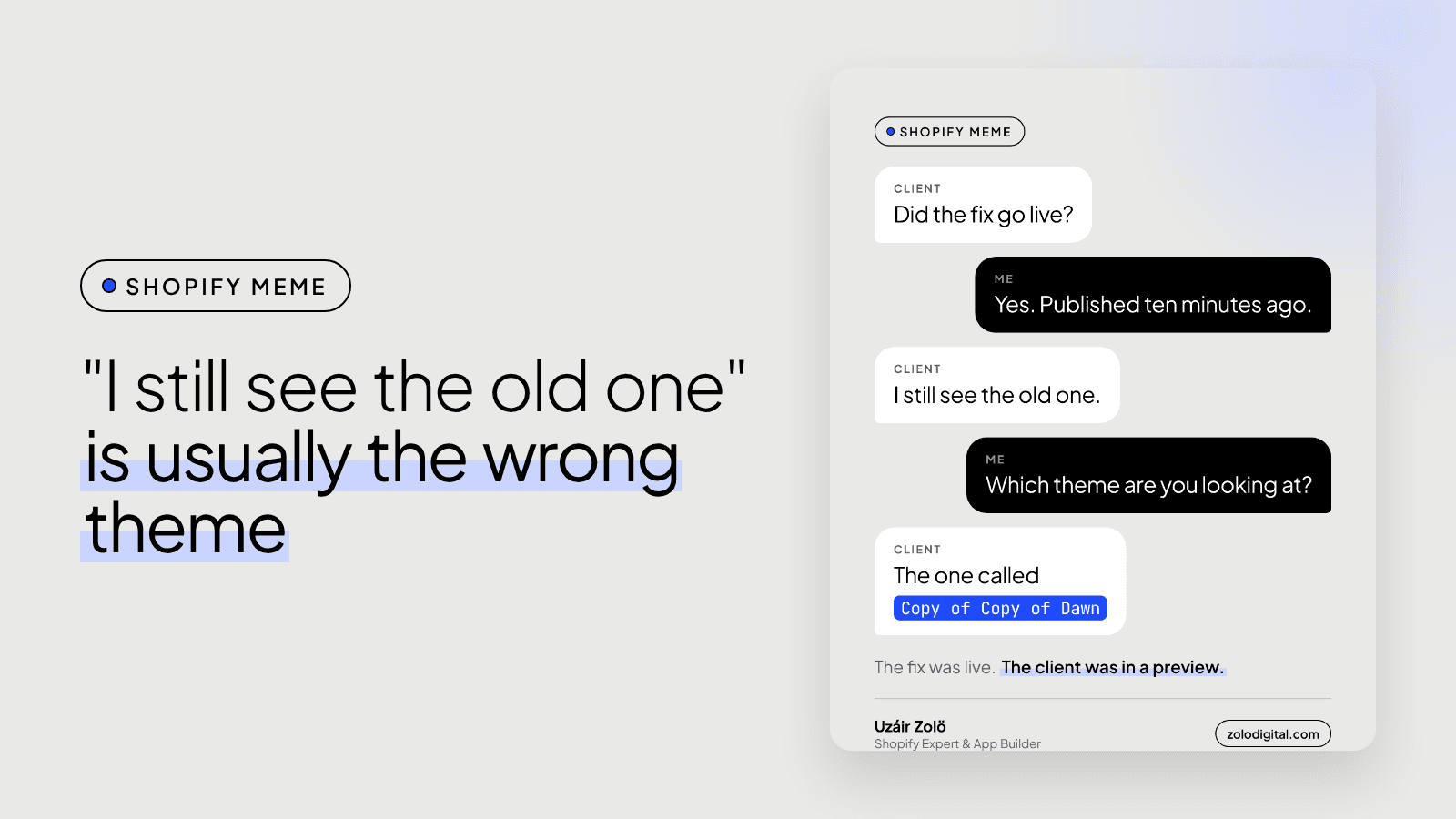
If you can't see a change on your Shopify store, you're usually looking at the wrong theme, an old copy in your browser's cache, a different market or language, or a change that was saved to a theme that isn't published. Check them in that order. Most of the time the fix is live and only the view is stale.
Every developer knows the message. "I still see the old one." It arrives right after "it's live", and it's followed, eventually, by the theme name: Copy of Copy of Dawn. Shopify puts "Copy of" in front of every duplicate, so a busy store collects them like receipts.
Are you looking at the live theme?
Go to Online Store → Themes. The theme at the top, under "Current theme", is the one customers see. Everything in the theme library below it is a draft.
If you opened the store from a preview link or from the editor of a draft theme, you'll see a preview bar at the bottom of the page. That bar is the clue. Close the preview, or open your store's domain in a fresh tab, and look again.
Is your browser showing an old copy?
Browsers keep CSS, JavaScript and images so pages load faster. Sometimes they keep them a bit too lovingly. Before anything else, open the store in a private or incognito window. If the change appears there, it's live and your normal browser is just behind.
For developers: theme files linked through the asset_url filter get a version parameter that changes when the file changes, so the browser fetches the new one:
{{ 'custom.css' | asset_url | stylesheet_tag }}
A file hard-coded with a fixed URL doesn't get that, and can stay cached long after you've edited it.
Are you seeing a different market or language?
With Shopify Markets, each country and language can have its own translations, prices and sometimes content. A heading changed in English won't change on the Arabic version unless its translation changes too. Check the country and language selector, or the URL (/ar, /en-ae), before deciding the change didn't work.
Was it saved, but to a theme that isn't published?
Saving in the theme editor saves that theme. If it's a draft, the store doesn't change until someone clicks Publish. If the change was made to a duplicate on purpose (good practice), the last step is publishing that duplicate.
And if none of that is it?
Then it's worth asking the developer to look again, and a good one will. An app can override a section, a second template can serve some products, or the fix can genuinely be wrong. Those are real too, just less common than "Copy of Copy of Dawn".
If your theme library has more copies than you can name and you'd like it tidied, that's part of a Shopify audit. Or get in touch.


