
Your JSON templates already know. Every file in templates/ and every section group in sections/ lists its sections by type, and the type is the section's file name without .liquid. Search those files for each name: the ones that turn up are live, the ones that don't are probably leftovers. Tidy them on a duplicate theme, never the live one.
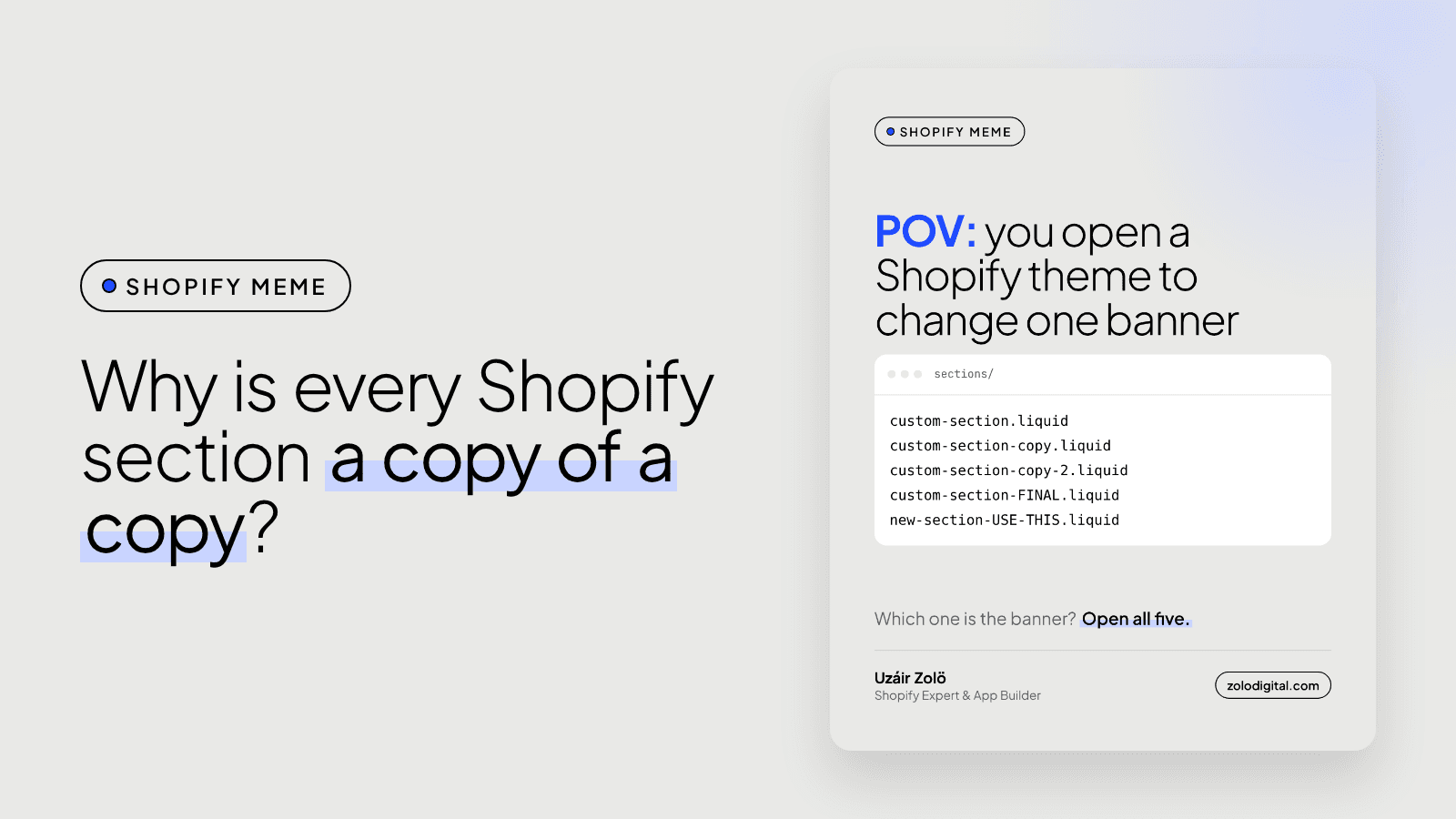
You open a theme to change one banner and find custom-section.liquid, custom-section-copy.liquid, custom-section-copy-2.liquid and, the most confident of them all, new-section-USE-THIS.liquid. Somebody was in a hurry. Possibly several somebodies. Here's how to work out what's real without opening all five.
How do you tell which section file a page uses?
Open the template for that page, templates/index.json for the homepage, and look at the sections object:
{
  "sections": {
    "hero_banner": {
      "type": "custom-section-copy-2",
      "settings": {}
    }
  },
  "order": ["hero_banner"]
}
"type": "custom-section-copy-2" means sections/custom-section-copy-2.liquid is the one on the page. The key above it (hero_banner) is just an ID for that instance.
Also check these, because sections hide in more than one place:
- Alternate templates like
templates/product.gift.json. - Section groups:
sections/header-group.jsonandsections/footer-group.json. - Static sections:
{% section 'name' %}written straight intolayout/theme.liquidor a Liquid template.
Why doesn't the theme editor show the file name?
The editor shows the name from the section's {% schema %}, not the file name. That's how four files can all appear as "Custom section" and nobody notices. Giving each one a name that says what it does is the cheapest fix there is:
{% schema %}
{
  "name": "Homepage hero banner",
  "settings": []
}
{% endschema %}
Changing the schema name only changes the label in the editor. Content and settings stay where they are, so this one is safe to do on the live theme.
How do you find the section files nothing uses?
Pull the theme with Shopify CLI (shopify theme pull) and search for each file name:
for f in sections/*.liquid; do
  name=$(basename "$f" .liquid)
  grep -rqE "\"type\": *\"$name\"|section '$name'" templates sections layout \
    || echo "not referenced: $name"
done
Treat that list as suspects, not a delete list. A section with a presets block can still be added by someone in the editor tomorrow, and an app or a developer may render it in ways a grep won't catch.
How do you tidy it up without breaking the store?
- Duplicate the live theme and work on the copy.
- Rename sections in the schema first. Free, safe, and the editor makes sense again.
- Rename files only if you'll update every template that points at them. The
typein each JSON template has to change in the same go, or that template loses the section. - Delete the unreferenced files you're sure about, then click through home, collection, product and cart on the copy.
- Publish the copy once it looks the same as the live theme.
Is your theme a folder of copies of copies?
Every theme gets like this eventually. It's usually a sign of years of quick fixes, not one bad developer. If you'd like someone to sort out which parts are live, slow or safe to remove, that's what a Shopify audit covers, or get in touch.


