
A WooCommerce to Shopify migration moves products, customers and orders, but three things decide whether it goes well: every old URL needs a 301 redirect to its new Shopify address, customer passwords can't be carried over so customers need a new way to sign in, and old orders should arrive as quiet records that send no emails.
Moving a store is a lot like moving house. The boxes get there. It's the forwarding address that nobody remembers until the post stops arriving. Here's how I plan the parts that get forgotten.
Why do the URLs change when you move to Shopify?
Shopify uses fixed URL patterns, and WooCommerce's defaults don't match them:
| Page | WooCommerce (default) | Shopify |
|---|---|---|
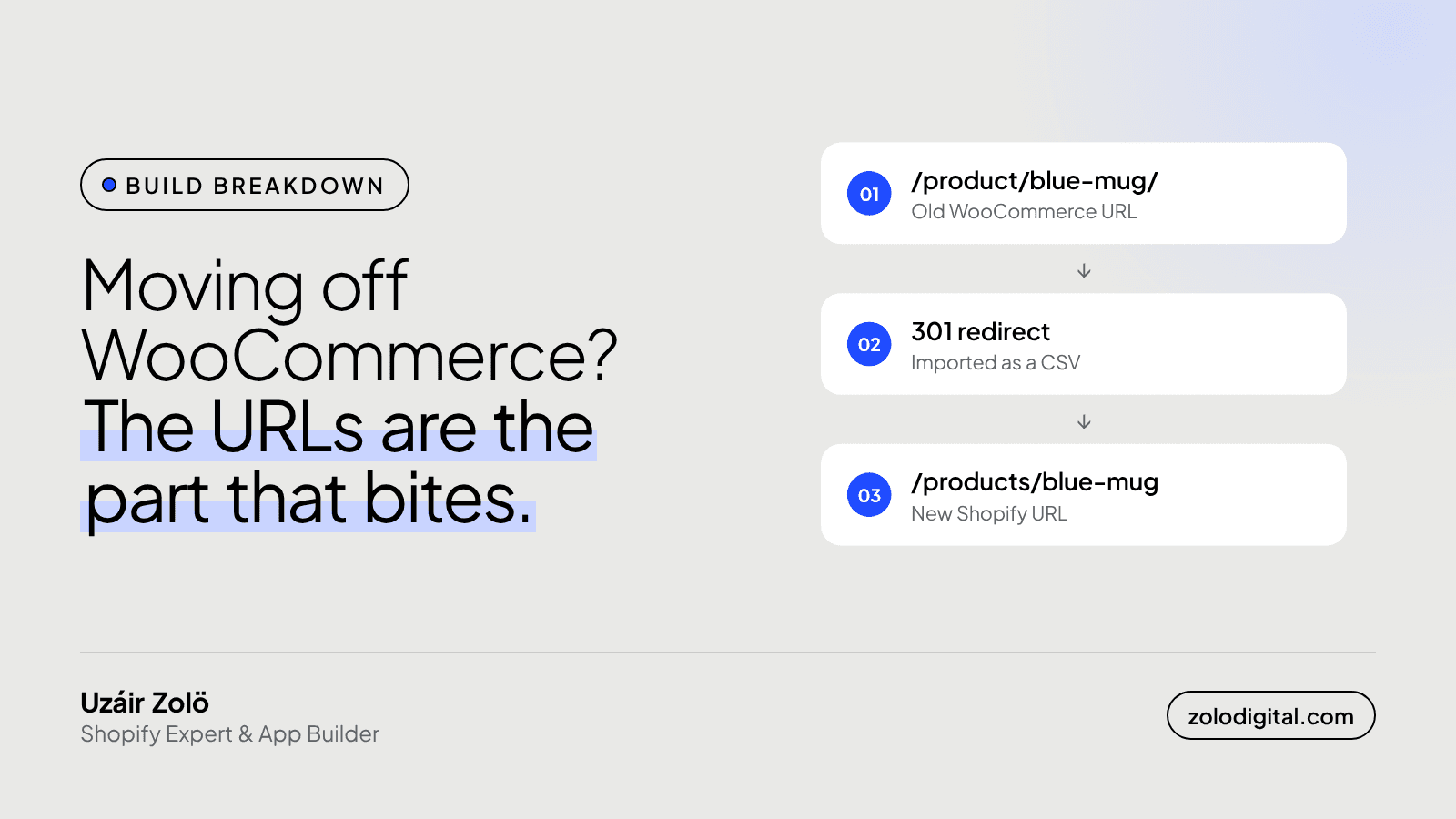
| Product | /product/blue-mug/ | /products/blue-mug |
| Category | /product-category/mugs/ | /collections/mugs |
| Page | /about/ | /pages/about |
| Blog post | /2023/05/my-post/ or /my-post/ | /blogs/news/my-post |
You can't change Shopify's prefixes, so every old URL that has been indexed, shared or bookmarked will 404 unless it's redirected. That's search rankings, old Instagram bios, email links and printed QR codes, all pointing at nothing.
How do you set up the redirects?
Build the list before launch, not after the traffic drops:
- Collect every old URL. The WooCommerce product and category export, the old sitemap (
/sitemap.xmlor the SEO plugin's sitemap), and the pages that get traffic in Search Console or analytics. - Match each one to its new Shopify path. Slugs usually carry over, so most rows are a find-and-replace. Check the ones where a product was renamed or merged.
- Import them as a CSV in Shopify admin under the URL redirects screen in navigation. The file is two columns:
Redirect from,Redirect to
/product/blue-mug/,/products/blue-mug
/product-category/mugs/,/collections/mugs
/about/,/pages/about
/2023/05/how-we-glaze/,/blogs/news/how-we-glaze
One thing that catches people out: a Shopify redirect only fires when nothing exists at the old path. If you create a page at the same address, the page wins and the redirect never runs.
What happens to customer passwords?
They don't come with you. WordPress stores passwords as one-way hashes, which is the point: nobody, including Shopify, can read them back. Customer records (names, emails, addresses, marketing consent) import fine; the password doesn't.
You have two options:
- Send account invites so customers set a new password. Plan the email: "We've moved, here's your new account" reads better than an unexpected password reset.
- Turn on Shopify's new customer accounts, where customers sign in with a one-time code sent to their email. There's no password to lose, which also means there's nothing to migrate.
How do you bring the order history across?
Customers like seeing their past orders, and you need them for support, returns and reporting. Import them as historical records, with two settings that matter:
- No notifications. An imported order must not send an order confirmation. Nobody wants "thanks for your order!" for a mug they bought in 2023.
- No inventory changes. Old orders shouldn't take stock off products you're selling today.
Match each order to its customer by email so it shows up in their account, and keep the original order number in a tag or note so support can find it when someone quotes the old number.
What do you check before switching the domain?
- Click through your most visited old URLs and watch where each one lands.
- Place a test order, sign in as a test customer, and check the order history shows.
- Submit the new sitemap in Search Console once the domain points at Shopify.
- Keep the WooCommerce export somewhere safe. You'll want it the first time someone asks about an order from 2021.
The storefront is what people notice on launch day. The redirects are what Google notices for the next year.
If you're planning a move to Shopify and want it done without losing rankings or customers, see how I build Shopify stores or get in touch.