
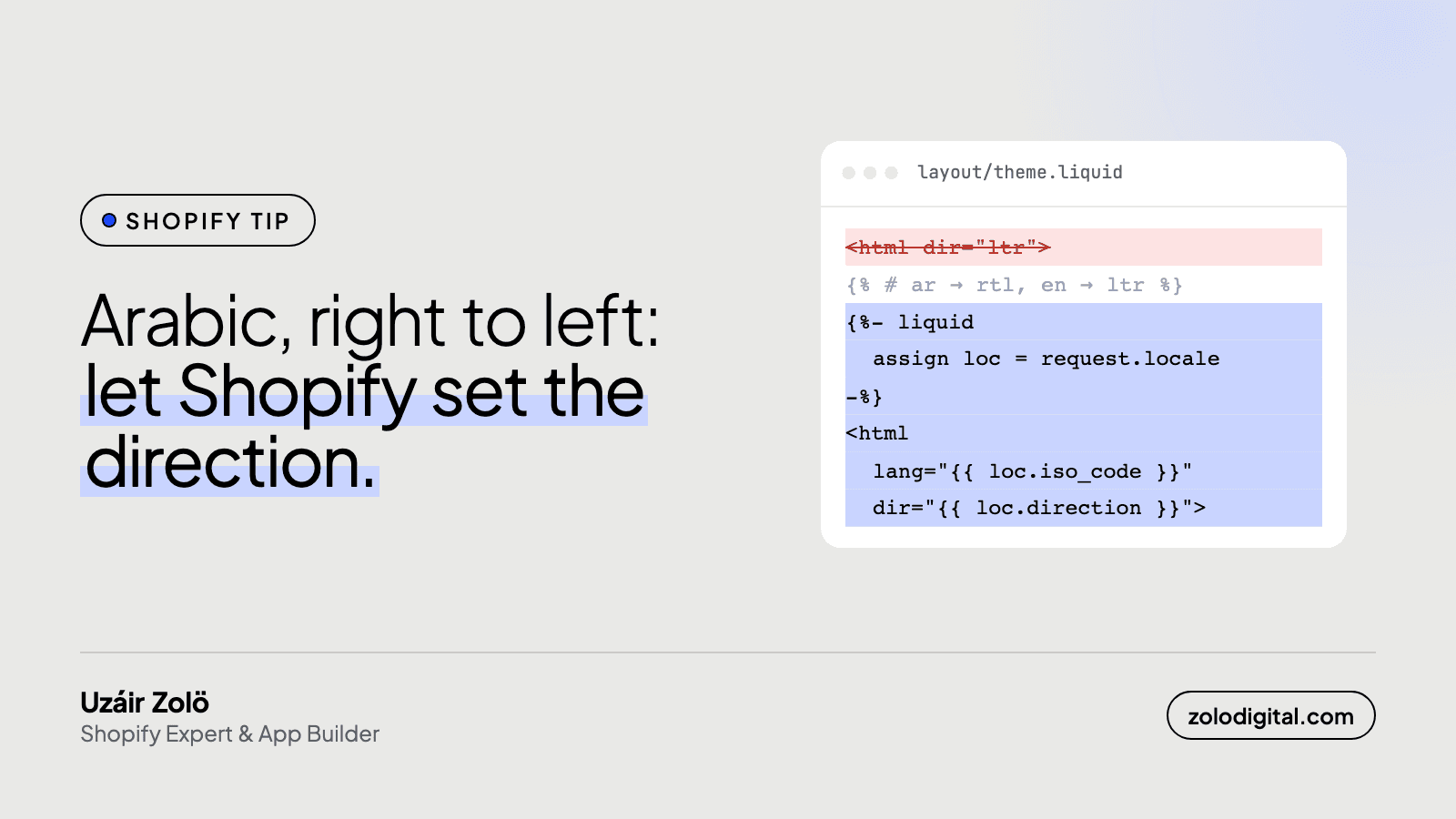
Let Shopify set the page direction: put dir="{{ request.locale.direction }}" on the <html> tag, and it returns rtl for Arabic. Then swap left and right in your CSS for logical properties, mirror directional icons, switch sliders to right to left, and test checkout on its own, because your theme doesn't control it.
Translating a store into Arabic is the easy half. The other half is finding out how many parts of your theme are convinced the page starts on the left. I run the web side of Balqees, whose Saudi store is Arabic first with English at /en. The translation side is in How do you fix English leaking onto an Arabic Shopify store?. This one is the layout.
How do you set the page direction in Shopify?
In layout/theme.liquid:
<html
  lang="{{ request.locale.iso_code }}"
  dir="{{ request.locale.direction }}"
>
request.locale is the language the visitor is browsing in, and its direction property returns rtl or ltr. The fix you'll find on forums, {% if request.locale.iso_code == 'ar' %}, works until you add Urdu or Hebrew. Shopify already knows which languages run right to left; let it decide.
Before writing any of this, check your theme's settings and documentation. Some themes already handle right to left. Many don't.
Why doesn't dir="rtl" fix the whole layout?
Because dir flips text and the order of flex and grid items, but not CSS that names a side. margin-left: 1rem stays on the left in Arabic, loyal to the end. Swap physical properties for logical ones:
/* before */
.card {
  margin-left: 1rem;
  text-align: left;
}

/* after */
.card {
  margin-inline-start: 1rem;
  text-align: start;
}
margin-inline-start, padding-inline-end, inset-inline-start and text-align: start follow the direction, so one stylesheet serves both languages. Also search the theme for left: and right: on positioned badges, and for translateX on drawers and menus. Transforms don't flip, so a cart drawer that slides in from the right will keep doing it.
What else has to flip, and what shouldn't?
- Arrows and chevrons. "Next" points left in Arabic.
[dir="rtl"] .icon-arrow { transform: scaleX(-1); }covers most of them. - Sliders and carousels. Most slider libraries have a right-to-left setting. Until it's on, the slider starts at the wrong end and swipes backwards.
- Breadcrumbs and pagination. They follow along once their CSS is logical.
Leave these alone: logos, product photos, play buttons and phone numbers. A mirrored logo is a rebrand nobody signed off.
How do you stop English scrambling inside Arabic text?
Arabic copy is full of English: a product name, a SKU, a price like "SAR 120". The browser decides where each of those runs sits in the line, and punctuation next to them can land on the wrong side. Isolate them, with <bdi> in the markup or one CSS rule:
.sku,
.price,
.product-code {
  unicode-bidi: isolate;
}
What happens to your typography in Arabic?
Arabic has no capital letters, so text-transform: uppercase does nothing, and the tracked-out uppercase headings so many themes love lose the thing that made them look designed. Letter-spacing shouldn't be applied to joined-up Arabic at all; the CSS test suite expects browsers not to. Give Arabic headings their own style under :lang(ar): a typeface, weight and size chosen for Arabic.
And check that your theme font has Arabic letters at all. If it doesn't, the browser quietly swaps in a system font and your brand typography goes with it.
What can't your theme fix?
Checkout and the new customer accounts pages aren't part of your theme. Shopify renders them, and they take their direction from the store's language settings, so no theme CSS reaches them. Publish Arabic properly to the market, then place a test order in Arabic and sign in to an account. Merchants have reported account pages coming out left-aligned; better you find that than your customers.
What should you test before launch?
- Home, collection, product, cart drawer, search, account and checkout, in Arabic, on a phone.
- Menus and drawers open from the right side.
- Sliders start at the right end and swipe the right way.
- Prices, SKUs and English product names sit where they should inside Arabic sentences.
- Icons point the right way. Logos and photos don't move.
- Switch back to English and check nothing flipped the wrong way there.
Is your theme fighting you on right to left?
An Arabic store that's only been translated reads like it was set up with the wrong hand. Getting a theme to work both ways is Liquid and CSS work, not a reason to buy a new theme, and it's one of the things I fix for Shopify stores in Saudi Arabia and the UAE. See also Shopify UX and UI design, Build a new Shopify store, or get in touch.


