
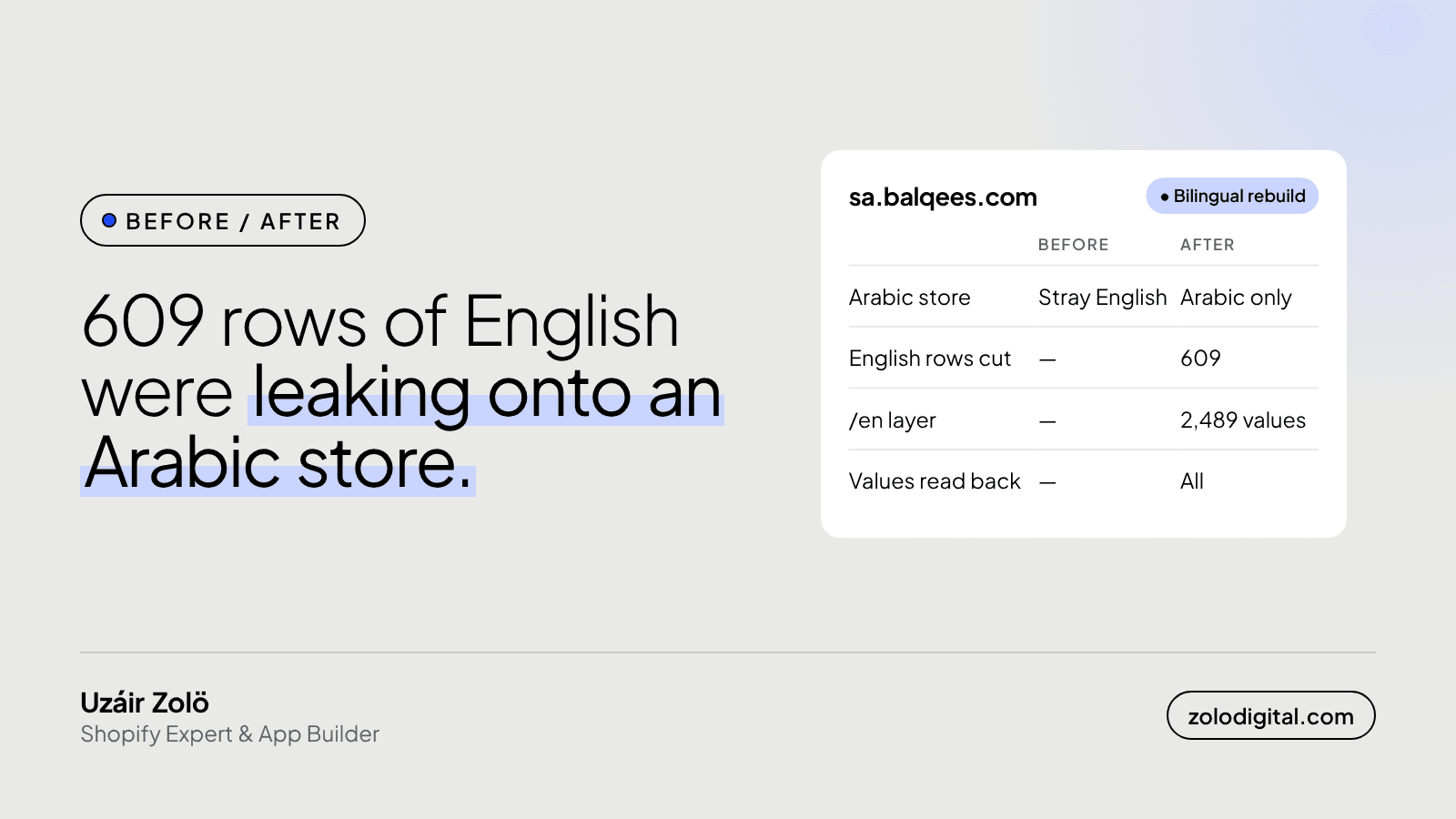
Fix it in order: take a full snapshot of the store's translations, restore the default language first, remove the content that shows the wrong language, then build the second language on top and read every value back from Shopify. On the Balqees Saudi store that meant 609 rows of English removed and an English layer of 2,489 values.
Balqees sells honey through three Shopify stores: the UAE, the UK and Saudi Arabia. The Saudi store, sa.balqees.com, is Arabic-first, with English at /en. Here's what the bilingual rebuild looked like, and what I'd check on any store that runs in two languages.
What did the store look like before?
The Arabic storefront was showing English in places it shouldn't. On a store whose default language is Arabic, that doesn't read as "bilingual". It reads as unfinished.
There also wasn't a clean English layer to send English-speaking shoppers to. So the job was two languages, not one: get the Arabic store right, then add English without breaking it again.
Why start with a snapshot?
Translations are easy to overwrite and hard to get back. Before changing anything, I took a full snapshot of the store's translations so any value could be restored to exactly what it was.
That snapshot is also where the Arabic translations were restored from. Without it, a fix to one language can quietly wipe out the other, and you only find out when a customer screenshots it.
What did the rebuild change?
| Before | After | |
|---|---|---|
| Arabic store | Stray English | Arabic only |
| English rows on the Arabic store | Present | 609 removed |
English layer at /en | None | 2,489 values |
| Each value read back | — | Yes |
The order mattered:
- Snapshot everything first.
- Restore the default language. Arabic translations came back from the snapshot.
- Remove what leaks. 609 rows that were putting English onto the Arabic store were taken out.
- Add the second language. The English
/enlayer went in on top: 2,489 values. - Read every value back. Not "the API returned success", but "Shopify now returns this exact text for this locale".
How do you check translations at this size?
Not by clicking through pages. At a couple of thousand values, the only reliable check is to ask Shopify what it now holds and compare it with what you meant to write.
The Admin GraphQL API exposes translations per resource and locale. A read-back looks roughly like this:
query ReadBack($cursor: String) {
  translatableResources(first: 50, resourceType: PRODUCT, after: $cursor) {
    nodes {
      resourceId
      translations(locale: "en") {
        key
        value
        outdated
      }
    }
    pageInfo { hasNextPage endCursor }
  }
}
Loop through every resource type you translated (products, collections, metafields, metaobjects, online store content), compare each value with your source, and log anything missing, different or marked outdated. A write that "succeeded" but isn't there on read is exactly what this catches.
What should you check on your own bilingual store?
- The default language, page by page type. Product, collection, cart, checkout notices, emails. The default is where stray text hurts most.
- Content copied between stores. Moving metafields or metaobjects from one store to another brings their text with it. Check which language it arrives in.
- Theme strings, not just products. Buttons, badges and empty states live in the theme's locale files and are easy to miss.
- App-injected text. Reviews, loyalty and shipping widgets often ship their own copy.
- Outdated translations. When the source text changes, the translation can be flagged as outdated rather than updated.
Where is it now?
The Saudi store runs on the full balqees.com catalogue, Arabic by default with a clean English layer. The same store also got its catalogue content moved over from balqees.com and a Naqel courier integration. The full breakdown is in the Balqees case study.
Running a Shopify store in two languages?
If your store shows the wrong language in the wrong places, it's usually a data problem, not a theme problem, and it can be fixed without starting over. It's part of the work I do for Shopify stores selling in Saudi Arabia and the UAE. Start with a Shopify audit or get in touch.


