
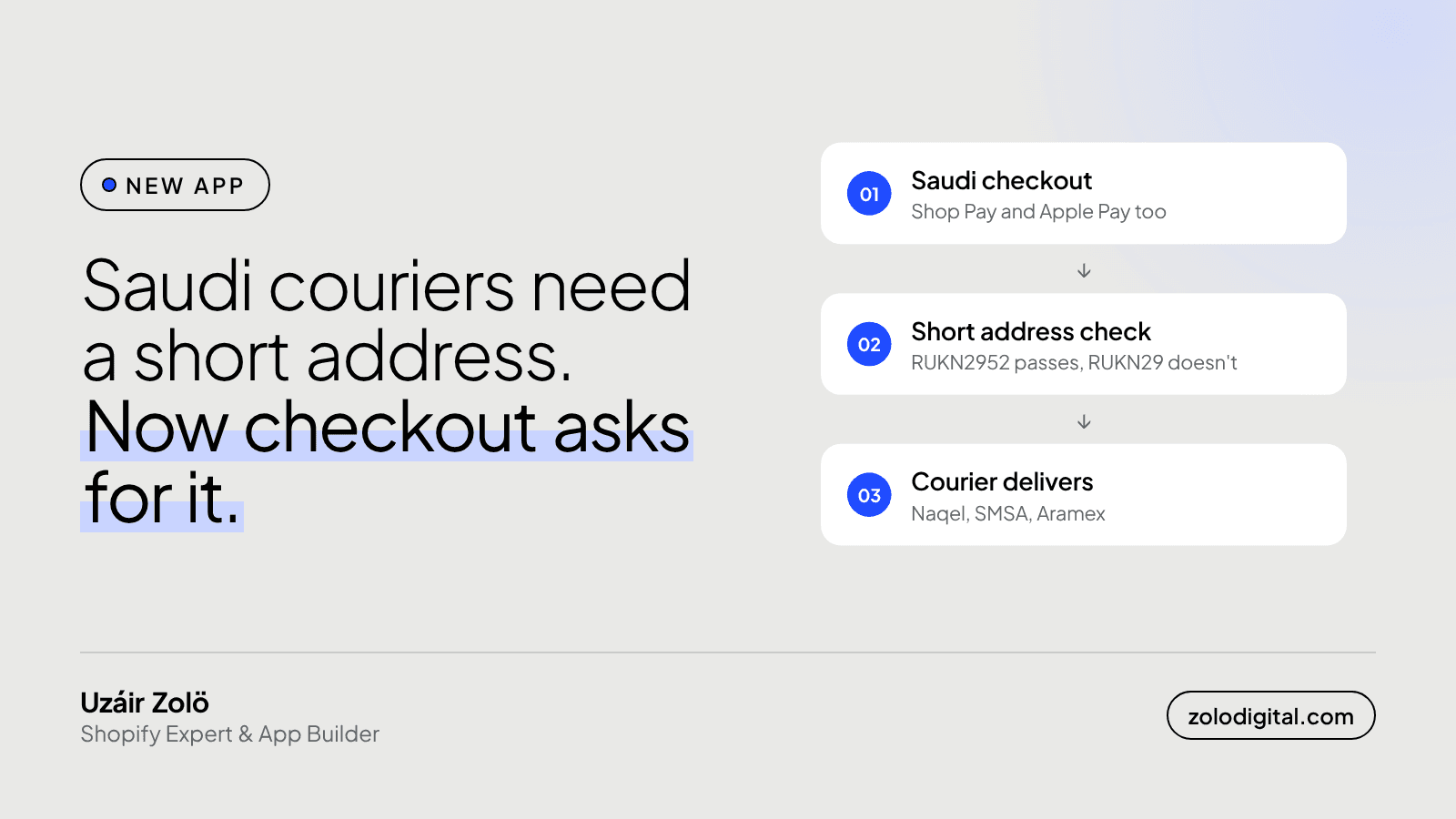
Shopify's checkout has no field for the Saudi national short address, so you need a checkout rule that refuses to complete a Saudi order without one. Checkout Toolkit KSA does that: it checks every checkout shipping to Saudi Arabia, Shop Pay and Apple Pay included, and holds it until a valid code like RUKN2952 is in the address. It's free on the Shopify App Store.
It went live on 28 October 2026. Shopify approved it after one review round, 14 days from submission. One note, which I'll get to, because it was a fair one.
Why does a Saudi store need the short address?
Since 1 January 2026, couriers in Saudi Arabia, including Naqel, SMSA and Aramex, refuse parcels that don't carry the customer's national short address: 4 letters for the area and 4 digits for the building.
Shopify's checkout asks for a street, a city and a postcode. It doesn't ask for the short address, and most customers don't think to add it. So the order comes in, the label gets printed, and the parcel gets stuck, rebooked or sent back. I covered how each courier connects to Shopify in Which Saudi couriers work with Shopify; this is the piece that was missing from all of them.
What does Checkout Toolkit KSA do?
- Blocks checkouts without a short address. Every Saudi checkout is checked and can't complete until a valid code is in the address. Orders to other countries go through untouched.
- You choose the field. Read the code from address line 1, line 2 or either, and show the error under the field you pick.
- Arabic and English errors. Customers see the message in their checkout language, and you can edit both.
- Forgiving about format. Lower case, a space inside the code and Arabic digits are accepted. Switch on strict format if you want exactly RUKN2952 and nothing else.
- Arabic admin. The app's own screens switch to Arabic, right to left, when your Shopify admin is in Arabic.
- A rule health check. It warns you if the checkout rule has been paused or deleted.
It works on every Shopify plan. Shopify Plus isn't needed.
How do you set it up?
- Install it from the Shopify App Store.
- Turn the check on in Setup and pick the address line it should read.
- Copy the ready-made Arabic and English labels into your checkout fields, so customers know where to type the code.
- Paste a few addresses into the address tester to see what checkout will do with them.
- Place a test order to Saudi Arabia from your own store.
It's working on your checkout within a few minutes.
What happened in App Store review?
I submitted it, waited, and got one finding back. My listing showed paid plans marked "coming soon". Those had to come out until they go through Shopify Billing.
Which is fair. A merchant reading a listing should see what they can actually get today, not a promise. So the plans came out, and the app launched doing one job, for free, very stubbornly. Then it was approved.
If you're shipping your first public app: don't put anything on the listing that a merchant can't install that day.
Does it touch customer data?
No. The check runs inside Shopify's checkout as a Shopify Function, so delivery addresses never reach my servers. The app holds your store's domain and an access token, and your settings are saved in your own store. The details are in the privacy policy.
Try it and tell me what breaks
If you run a store that ships in Saudi Arabia, install it, place a test order, and email support@zolodigital.com with anything that looks wrong. Real addresses are messier than any test I can write, and that's exactly what I want to hear about.
Need more than one rule at checkout? I build Saudi and UAE Shopify stores end to end: Shopify developer for Saudi Arabia.


