
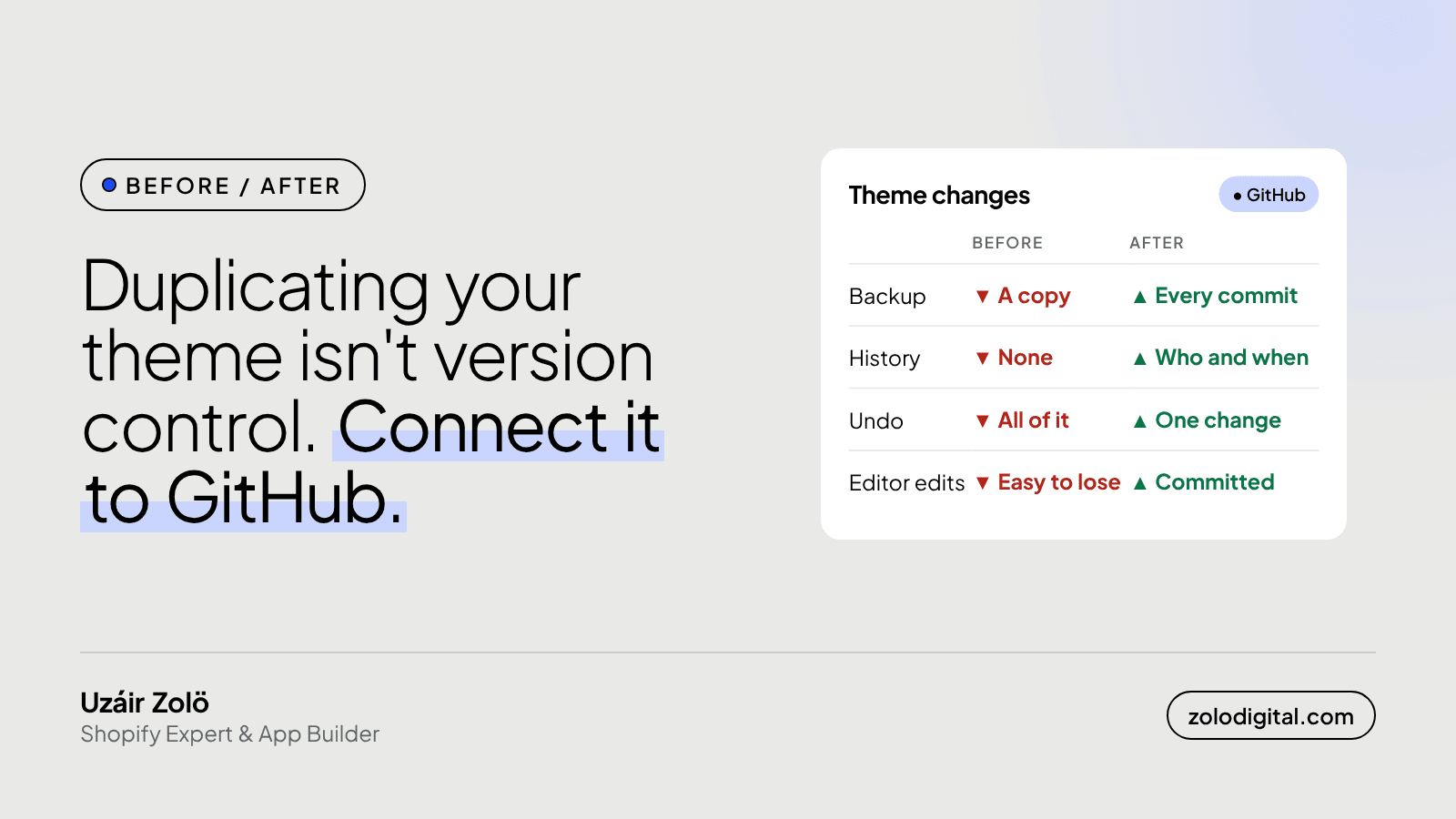
Connecting your Shopify theme to GitHub gives every change a history: who changed what, when, and a one-click way back. Shopify syncs the connected branch to the theme in both directions, so code pushed to GitHub reaches the store and edits made in the theme editor are committed back to the repo. It replaces the "duplicate the theme first" habit.
Shopify's built-in version control is a theme called "Copy of Copy of Live theme". It works right up until someone edits the wrong copy.
What was the before and after on Makeup City?
The Makeup City storefront was rebuilt on Shopify's Horizon theme, connected to GitHub, and has shipped continuously since May 2026. Since then it has gained an AR lipstick try-on, a rebuilt store locator, order tracking tied to the retail back office, restock "notify me" alerts, cart spend milestones, automatic gift with purchase, and a redesigned mobile menu. The Meta Pixel and other third-party scripts were deferred to help responsiveness (Interaction to Next Paint).
That's a lot of changes to one live theme. The GitHub connection is what keeps them traceable.
What's wrong with duplicating the theme?
Nothing, as a backup. As a way of working it falls apart fast:
- Edits in the admin code editor leave no record of who changed what, or why.
- A duplicate is a snapshot of the whole theme, so you can't undo one change without losing the others made since.
- Two people working on two copies have no way to combine their work.
- After a few months, nobody is sure which copy is the good one.
How does Shopify's GitHub connection work?
In the admin, go to Online Store → Themes → Add theme → Connect from GitHub, pick the repository and a branch. Shopify adds a theme to your library that is tied to that branch.
From then on the sync runs both ways:
- GitHub to Shopify. Push a commit to the branch and the theme updates.
- Shopify to GitHub. Change a setting in the theme editor, or a file in the code editor, and Shopify commits it back to the branch.
You can connect more than one branch. A common setup: main feeds the live theme, and a feature branch feeds an unpublished copy, so you can preview new work on the real store, with real products, before you merge it.
For local work, the Shopify CLI's shopify theme dev serves your local files against the store with hot reload:
shopify theme dev --store your-store.myshopify.com
What should you watch for?
- Pull before you push. Merchandisers keep using the theme editor, and their changes land in JSON templates and
config/settings_data.jsonas commits. If you edited the same files locally, you'll get a merge conflict. Pull first. - Keep settings and code apart in your head. A developer's commit to
settings_data.jsoncan overwrite what marketing set up that morning. Change settings in the editor, change code in Git. - Never commit secrets. API keys don't belong in a theme repo, private or not.
- Keep the theme structure at the root of the branch. Shopify reads the standard folders (
layout,sections,snippetsand the rest) from the branch it's connected to.
Is it worth it for a small store?
If one person makes two changes a year, a duplicate is fine. If anyone touches the theme every week, or more than one person does, the connection pays for itself the first time you need to undo something without undoing everything.
Moving a store to a new theme, or want your current one set up properly in Git? That's Shopify UX/UI and theme work, or book a call and we'll look at it together.


