
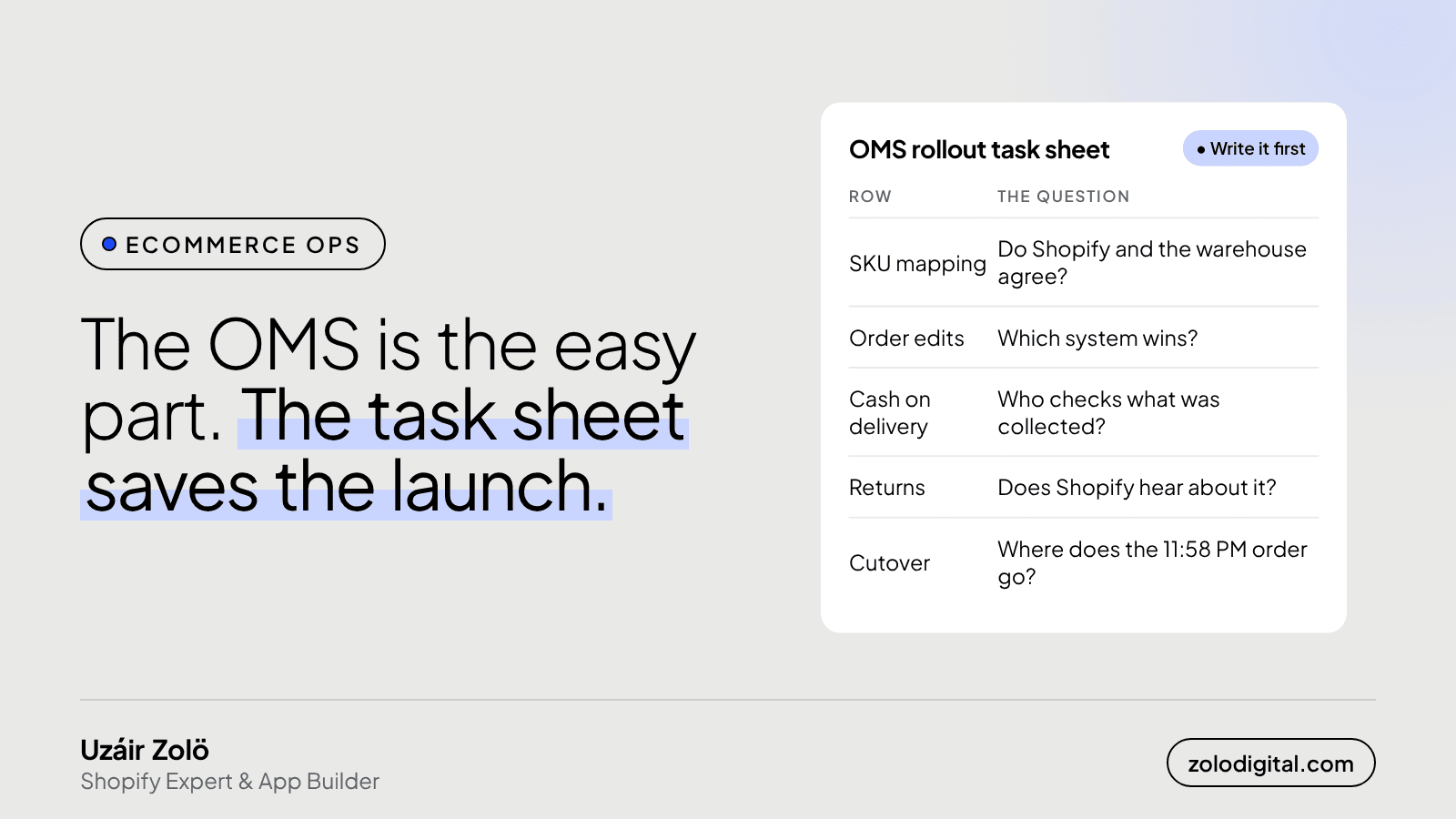
An OMS rollout task sheet lists every decision the software won't make for you: how Shopify SKUs map to warehouse codes, which system wins when an order is edited, who reconciles cash on delivery, how returns get back to Shopify, what happens to orders placed during cutover, what to do when a courier API goes down, and what support needs to know. Each row needs one named owner.
Most of these sheets get written on go-live day, in a hurry, by whoever is still awake. Write it first and the launch gets a lot more boring. Boring is the goal.
Why isn't the software the hard part?
An order management system does what it's configured to do. The vendor demo shows the happy path: an order comes in from Shopify, the warehouse picks it, a courier gets booked, tracking goes back onto the order. That part usually works.
The rollout goes wrong in the gaps between systems, where two of them hold a different version of the same order and nobody decided which one is right. Those gaps are business decisions, not settings, so no integration closes them on its own.
What rows does the task sheet need?
These are the rows I start every sheet with. Add your own, but don't remove any until someone has answered them.
- SKU mapping. Shopify variants and warehouse item codes rarely match one to one. Export both lists and map them before the first test order. Decide what happens when Shopify sends a SKU the OMS doesn't know: reject the order, or hold it for a person.
- Order edits. A customer changes the address, or support removes an item, after the order already reached the warehouse. Pick the system that wins and make sure the edit actually reaches the other one, or stops the order until someone checks.
- Cancellations. Same question, harder version: the parcel may already be packed. Who stops it, and how does the OMS hear about it?
- Cash on delivery. The courier collects cash and remits it later. Someone has to compare what was collected against what each order should have collected, and decide what happens with a short payment.
- Returns. Returned parcels come back to the warehouse, not to Shopify. Decide how a return becomes a refund and a restock on the Shopify side, and who presses the button.
- Inventory sync. Which system owns stock levels, and how often does the other one hear about changes? A store that sells what the warehouse already sold has an awkward email to write.
- Cutover. Orders placed the night before go-live, and orders already in progress in the old process, need a clear home. Write down the exact time the switch happens and where everything before and after it goes.
- The 2 AM plan. A courier API, a webhook or the OMS itself will be unavailable at some point. Decide whether orders queue and retry, who gets alerted, and how you'll know nothing was dropped.
- Tracking back to Shopify. The tracking number has to land on the Shopify order as a fulfillment, so the customer gets the shipping email and the order status page shows it. I wrote about why this matters in courier tracking on Shopify.
- Support training. The support team needs to know where to look up an order's real status before the first customer asks.
Who should own each row?
One person per row, by name. "The team", "ops" and "IT" aren't owners; they're places where tasks go to wait.
The owner doesn't have to do the work. They have to make sure the question gets answered and tested before go-live. For most rows that's someone from operations or finance, not the developer, because the answer is a business rule. The developer's job is to build what the answer says.
How do you test the sheet before go-live?
Run real scenarios through the new setup with test orders, one per row: an unknown SKU, an address edit after dispatch, a cancellation after packing, a COD order, a return, an order placed a minute before cutover, and an order sent while the courier connection is switched off. Tick a row only when its scenario ended up where the sheet said it would, in every system.
The rows that fail are the ones you just saved from going live.
What's the short version?
The OMS will do what you tell it. The task sheet is where you decide what to tell it. Write it before the integration, give every row a name, and test each one with a real order.
If you're planning an OMS or courier rollout on Shopify and want someone who has done the integration side, let's talk.


