
Not necessarily. A "Thanks, message sent!" screen only proves the form ran, not that an email reached anyone. The only real check is to send yourself a test through the live form and see it arrive in the inbox you expect. Then make the form admit failure instead of faking success, and give people another way to reach you.
How did my own form lie to me?
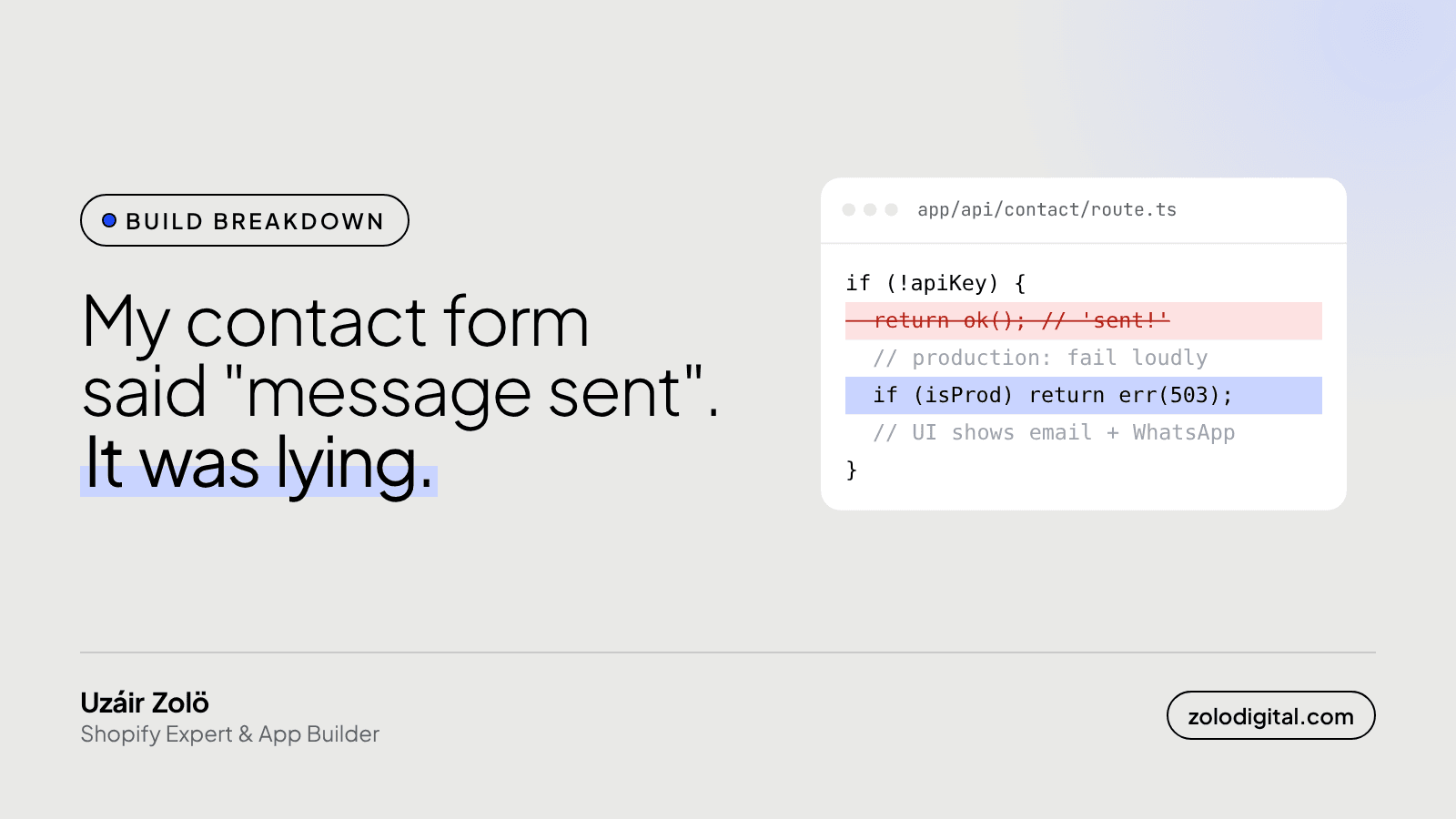
My site's contact form posts to a small server route, which hands the message to an email service (Resend). That service needs an API key. While building, I wrote the route so that if the key was missing it would log the message and answer "success". Handy in development. Less handy in production, where the key wasn't set either.
So the form did exactly what I told it to. Visitors filled it in, saw a friendly thank-you, and the message went into a log nobody reads. It looked perfect from every side except the inbox.
I caught it in mid-October 2026 and fixed it within two days. If anyone wrote to me before then, I'll never know. Hello, if that was you.
What did I change?
Three things, all small:
const apiKey = process.env.RESEND_API_KEY;
if (!apiKey) {
  if (process.env.NODE_ENV === "production") {
    return NextResponse.json(
      { error: "Email delivery is not configured" },
      { status: 503 },
    );
  }
  // local dev: log it and carry on
}
- Fail loudly in production. No key, no fake success. The route answers with an error.
- Show a way out. When the form gets an error, it shows my email address and WhatsApp instead of a thank-you, so the message still has somewhere to go.
- Then set the key. It sounds obvious. It's also the step that was missing.
While I was in there I added a honeypot: a hidden field people never see, so they never fill it in. Bots fill in everything. If that field has a value, the route quietly answers "success" and sends nothing, so spam stays out of the inbox without a captcha.
Does this happen on Shopify stores too?
Shopify's built-in contact form is managed for you, so you won't have my exact bug. You can still lose messages in quieter ways:
- The form sends to an old address nobody checks anymore.
- Messages land in spam and stay there.
- A form app or a custom form was added, and nobody tested where it sends.
- A theme change replaced the contact section with one that doesn't post anywhere.
None of these shows an error to the customer. They all show a thank-you.
How do you test a contact form properly?
Do this on the live site, not the preview:
- Send a message from an address you don't use for the store, with a subject you'll recognise.
- Check it arrives in the inbox you expect, within a few minutes.
- Check spam if it doesn't.
- Reply to it, and check the reply goes to the sender, not to yourself.
- Repeat after any theme change, form app install or email setting change.
It takes five minutes. Put it on a monthly reminder.
The short version
A success message is the form being polite, not the form being right. Test the real thing, make failures visible, and always leave a second door open.
If your store has forms, apps or emails you're not sure are wired up properly, a Shopify audit checks exactly that kind of thing. Or just send me a message. I promise this one arrives.


