
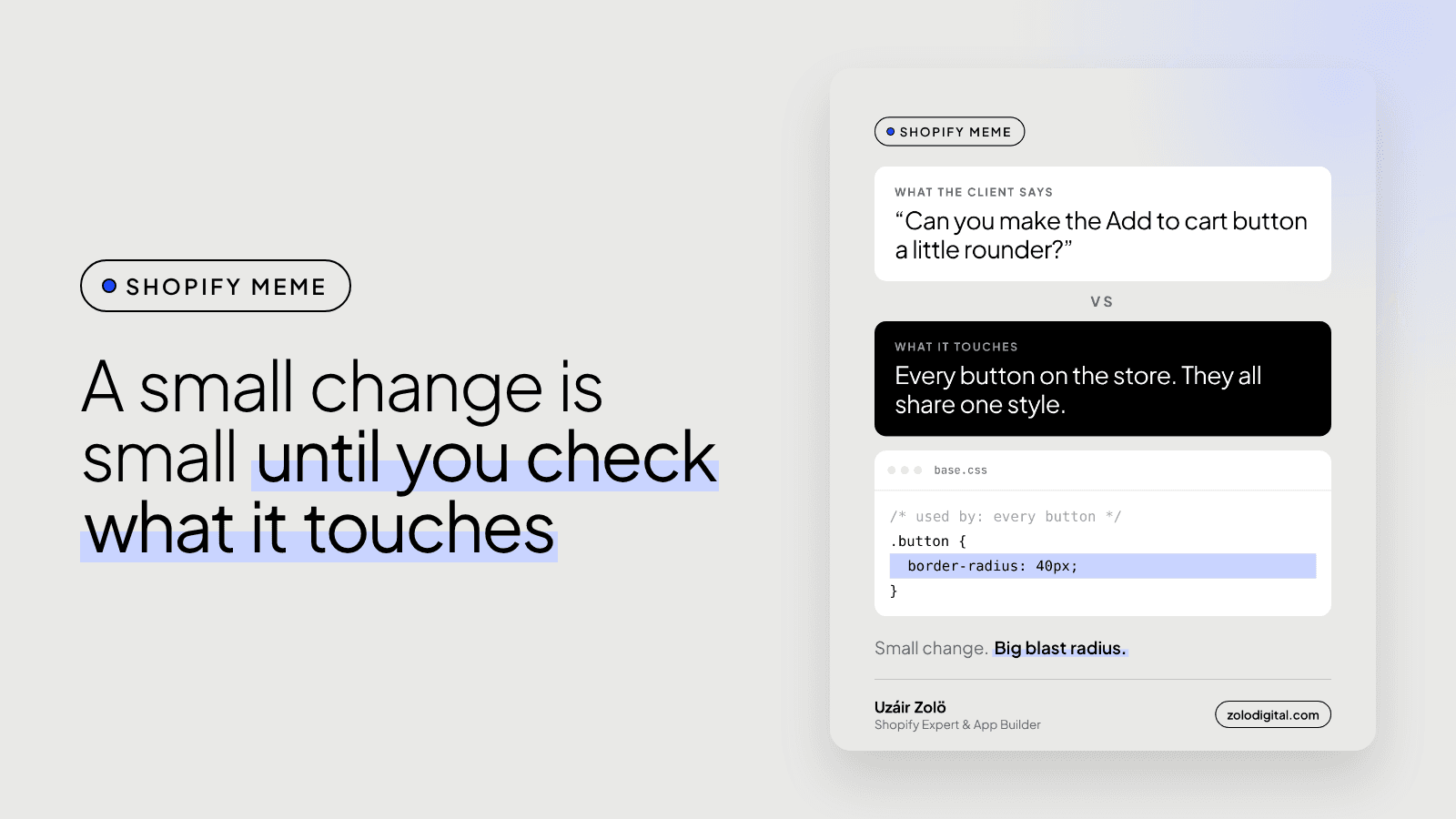
A small Shopify theme change often affects the whole store because themes reuse the same pieces everywhere: one button style, one product card snippet, one section file shared by several templates. Change the shared piece and every page using it changes too. Check theme settings first, find where the piece is used, and give a one-off change its own class.
"Can you make the Add to cart button a little rounder?" is one sentence. In most themes it's also every button on the store, because they all share one style. The request is small. The blast radius isn't.
Why do Shopify themes share so much?
Because sharing is what keeps a theme maintainable. A few examples you'll meet in most themes:
- One button style. Add to cart, the cart's checkout button, the newsletter signup and the contact form usually share the same button class.
- One product card. In Dawn,
card-product.liquiddraws the card on collection pages, search results and product sliders. Edit it once, it changes in all of them. - One section file, many templates. A section's settings are saved per template, but its code is shared. Changing a setting in the theme editor changes one page. Changing the section's
.liquidfile changes every template that uses it.
None of this is a bug. It's the reason a store looks consistent. It just means "small" describes the request, not the change.
How do you check what a change touches?
Three checks, a few minutes:
- Theme settings first. Many themes, Dawn included, have a button corner radius in Theme settings. If the setting exists, use it, and know it applies everywhere.
- Search the code. Pull the theme with Shopify CLI and search for the class or snippet before editing it:
shopify theme pull
grep -rn "card-product" sections snippets templates
- Preview every page that uses it, on a copy of the theme and on a phone. I wrote about why quick fixes belong on a copy, not the live theme.
How do you change just one button?
Scope it. Use the browser inspector to find which rule actually sets the style, then target a class only that button has. In Dawn, the Add to cart button also carries product-form__submit:
/* every button keeps the theme's style */
/* only Add to cart gets rounder */
.product-form__submit {
  border-radius: 40px;
}
If the button has no class of its own, add one in the Liquid file rather than styling .button and hoping.
Is it still a small change?
Usually, yes. Knowing what it touches is what keeps it small. It's also why I price small changes after a look at the theme, not from a screenshot.
If you'd like someone to check what your next "quick tweak" touches before it ships, get in touch.


