
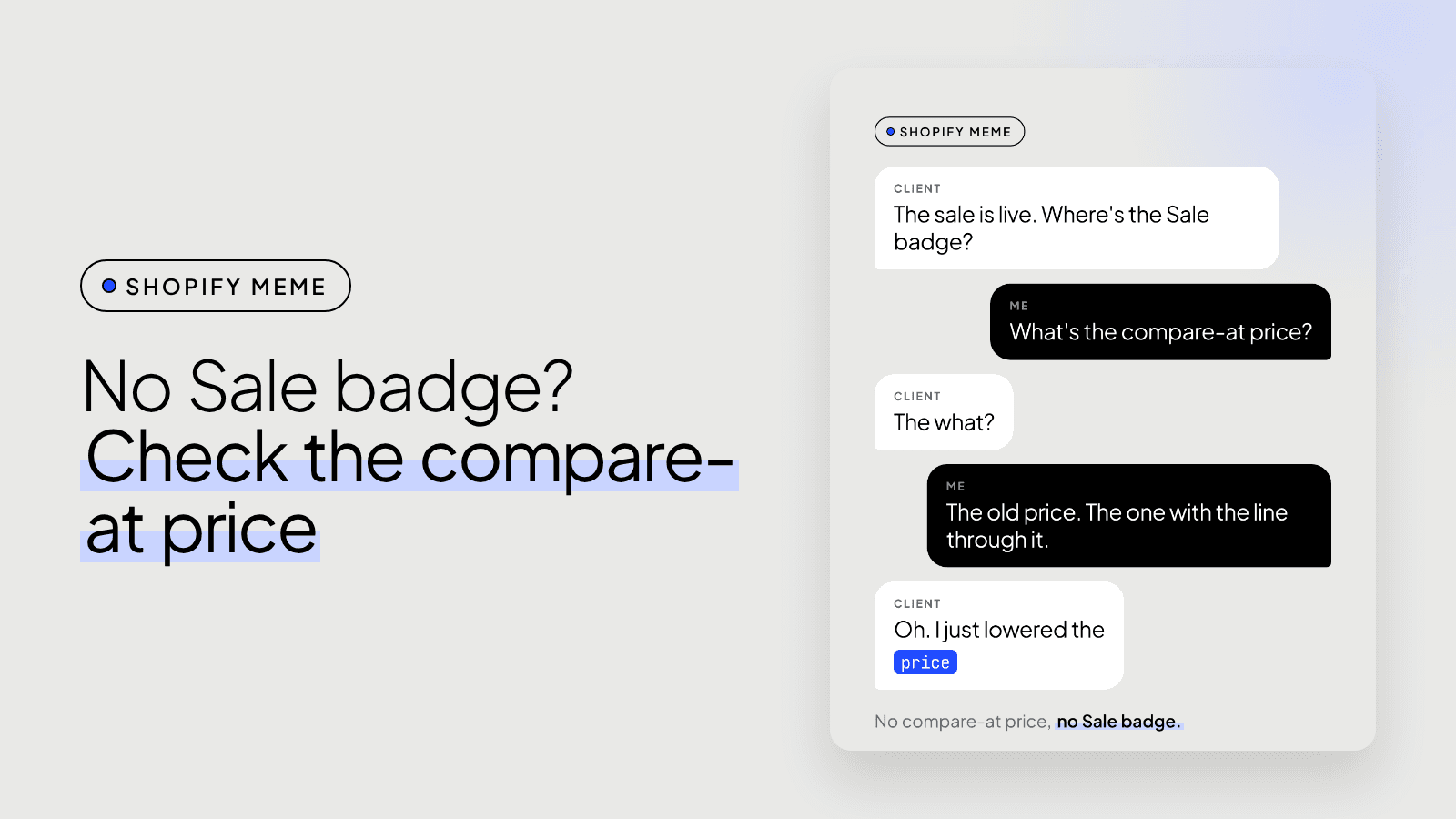
The Sale badge isn't showing because the product has no compare-at price, or its compare-at price isn't higher than the price. Most Shopify themes, Dawn included, decide "on sale" from that comparison alone. Put the old price in compare-at, the sale price in price, and the badge and the strikethrough appear.
"The sale is live. Where's the Sale badge?" arrives every sale season. The sale usually is live. The theme just hasn't been told.
How does a Shopify theme know a product is on sale?
It compares two fields on the variant: price and compare-at price. In Dawn's product card the logic is one line of Liquid:
{%- if card_product.compare_at_price > card_product.price and card_product.available -%}
  <span class="badge">{{ 'products.product.on_sale' | t }}</span>
{%- endif -%}
Two things follow from that:
- Lowering the price on its own does nothing visible. To the theme it's a product that got cheaper, not a product on sale.
- Sold out wins. If the product isn't available, Dawn shows Sold out instead of Sale.
Why don't discount codes or automatic discounts show a badge?
Because they apply at the cart and checkout, not to the product's price. The product page still reads the full price and an empty compare-at, so there's nothing to strike through. That's fine for a code you share with a list. For a storewide sale you want shoppers to see while browsing, use compare-at prices.
How do you set a sale so the badge shows?
For a handful of products:
- Open the product in Shopify admin.
- Put the old price in Compare-at price.
- Put the sale price in Price.
- Save, and check a collection page and the product page on your phone.
For a whole collection or brand, do it in bulk. The bulk editor can show the Compare-at price column, or export products as CSV and fill the Variant Compare At Price column. Set it on every variant that's on sale, not only the first one.
What do you do when the sale ends?
Put the price back and clear the compare-at price. Leave it filled and the strikethrough keeps telling shoppers the product is on sale weeks after it ended, which is the kind of thing customers screenshot.
If you run sales often, schedule both ends. Collection Toolkit, my Shopify app, schedules the price changes for a sale and reverts them automatically when it ends, so nobody has to remember on Monday morning. The walkthrough is in this post.
Still no badge?
Then it's the theme. Some themes hide badges in theme settings, and custom themes sometimes drop the badge from the product card. If you'd like someone to look, get in touch.


