
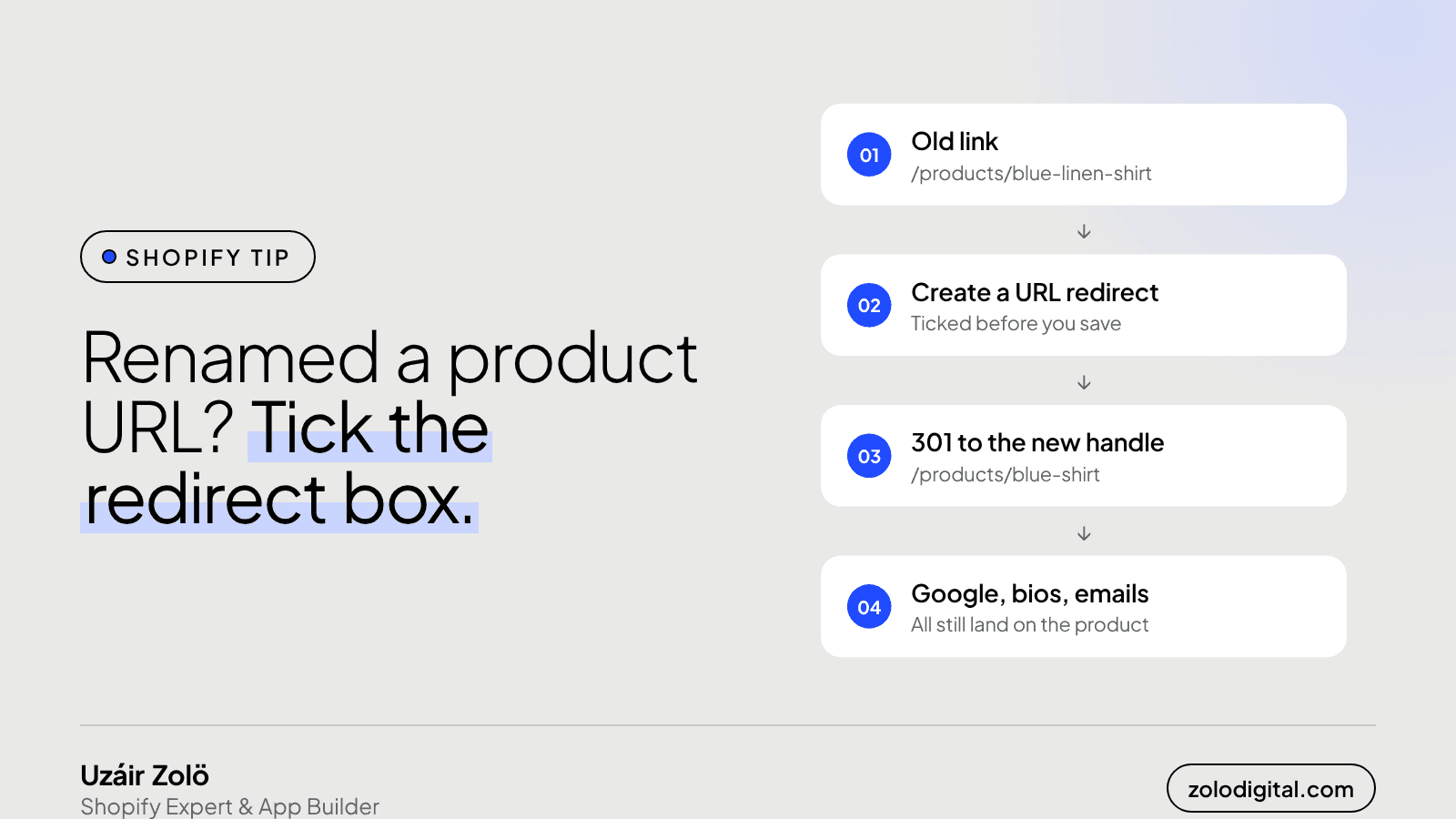
Change the URL handle in the product's search engine listing and tick "Create a URL redirect" before you save. Shopify then sends the old address to the new one with a 301, so Google, old social posts and email links keep working. The same box exists on collections, pages and blog posts. CSV imports, existing pages and repeated renames need extra care.
Renaming a product URL feels like tidying up. Shorter, cleaner, keyword in the right place. It's also the quickest way to send every existing link to that product into a wall. Nothing tells you. The product page loads fine on the new address; it's the old one that's quietly gone.
Why does an old Shopify URL break when you rename it?
The handle is the last part of the address: /products/blue-linen-shirt. Change it to blue-shirt and the product now lives at /products/blue-shirt. Nothing lives at the old path any more, so anyone who arrives there gets your 404 page.
And people do arrive there. Search results still show the old address until Google recrawls. Instagram bios, WhatsApp messages, old newsletters, ads, QR codes on packaging: none of them update themselves.
Where is the redirect box?
On a product:
- Open the product in the admin.
- Scroll to Search engine listing and click Edit.
- Change the URL handle.
- A checkbox appears: Create a URL redirect from the old address to the new one. Make sure it's ticked, then save.
Collections, pages and blog posts have the same search engine listing section and the same box. If you've already renamed something without it, add the redirect by hand in the admin's URL redirects list (search the admin for "URL redirects"): old path in "Redirect from", new path in "Redirect to".
When doesn't the checkbox help?
Product CSV imports
In a product CSV, the Handle column is how Shopify knows which product a row belongs to. Change the handle in the file and the import doesn't rename the product; it creates a new one with that handle, and the old one stays put. Rename handles in the admin, or import a separate redirects CSV alongside:
Redirect from,Redirect to
/products/blue-linen-shirt,/products/blue-shirt
Something still lives at the old URL
Shopify only uses a redirect when the old path doesn't resolve to anything. If you rename a product and later create a new product, page or collection on the old handle, the new item wins and the redirect never fires. Pick handles you won't want back.
You've renamed it more than once
Rename A to B, then B to C, and you have a chain: A goes to B, B goes to C. Each hop is a little slower and a little less clear to search engines. When you rename again, open the redirects list, search for the product's old paths and point every one straight at the newest address.
How do you check nothing is broken already?
- In Google Search Console, look at Pages → Not found (404). Old product addresses in that list are the ones that need a redirect.
- Search the URL redirects list for the handle you're changing before you change it, so you can see what already points at it.
- After the change, open the old address in a private window. You should land on the new one.
The short version
The handle is part of the product's identity, not decoration. Change it rarely, tick the box when you do, and clean up the chains every so often. Ten minutes now beats explaining later why a best-seller dropped out of search.
If your store has been through a theme change, a migration or a few rounds of renames and you'd like someone to look over the redirects and 404s, that's part of the Shopify audit.


