
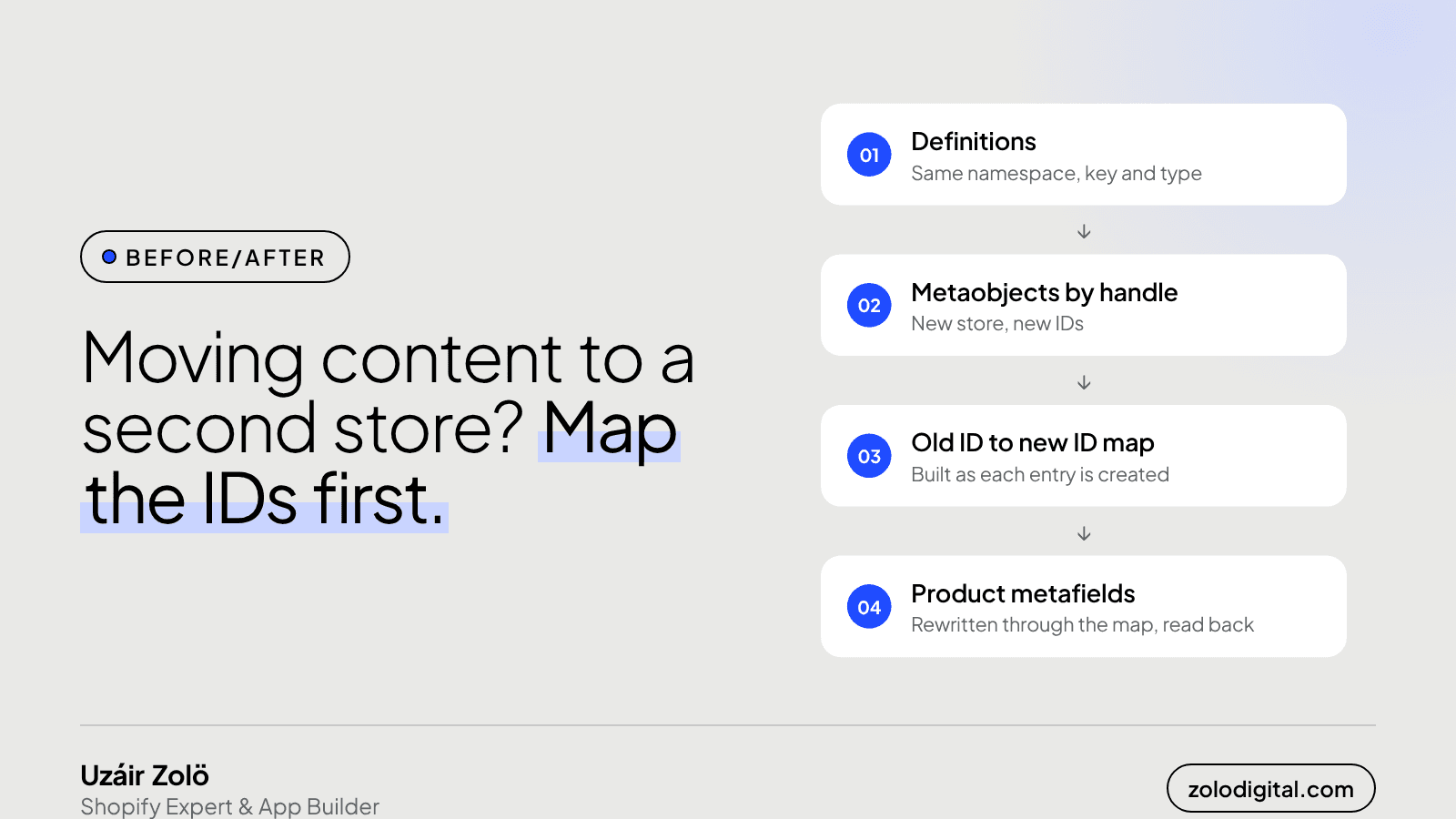
Create the same definitions in the new store first, then move files and metaobjects matched by handle, keeping a map of each old ID to its new one. Only then copy the product metafields, rewriting every reference through that map. Finish by reading everything back and counting. Copy references as-is and they point at nothing.
Copying products between Shopify stores is the easy half. Titles, prices, images, variants: there are a dozen ways to move those. The half that eats the evening is the content hanging off the products: size charts, ingredient lists, feature blocks, FAQs, anything you built with metafields and metaobjects.
When the Balqees Saudi store launched from the main balqees.com catalogue, that half was 184 metaobject entries and 1,261 product metafields across 78 products. It went across with no dropped references. Here's the order that makes that possible.
Why don't metafield references survive a copy?
Because a reference is an ID, and IDs belong to one store.
A metafield of type metaobject_reference doesn't hold the size chart. It holds something like gid://shopify/Metaobject/123456. That entry exists in the old store. In the new store, after you create the same size chart, it gets a different ID. The old one belongs to nobody.
Copy the metafield as-is and one of two things happens: the import rejects it, or a tool skips it quietly. The second is worse. The product page renders, the tab is just empty, and nobody notices until a customer asks where the sizes went.
The same goes for file_reference (images and PDFs), product_reference and every list. version of them. Products themselves get new IDs too, so you match them by handle, not by ID.
What order do you move things in?
Dependencies first, the things that point at them last.
- Definitions. Create every metafield definition and metaobject definition in the new store with the same namespace, key, type and validations. No definition, no field to write to.
- Files. Upload the images and documents that metaobjects or metafields reference, and note each old file ID against its new one.
- Metaobjects that reference nothing. Create them matched by type and handle. Handles are the one key both stores can agree on.
- Metaobjects that reference other metaobjects. Now their targets exist, so their references can be rewritten.
- Product metafields. Last, because they point at all of the above.
metaobjectUpsert in the Admin GraphQL API takes a type and handle, creates the entry if it's missing and updates it if it's there, so you can run the step twice without making duplicates:
mutation Upsert($handle: MetaobjectHandleInput!, $metaobject: MetaobjectUpsertInput!) {
  metaobjectUpsert(handle: $handle, metaobject: $metaobject) {
    metaobject { id handle }
    userErrors { field message }
  }
}
Each response gives you the new ID. That's what the map is built from.
How do you rewrite the references?
Every reference value goes through the map on its way in. The important part is what happens when the map has no answer: stop, don't skip.
// old GID -> new GID, filled while files and metaobjects are created
const idMap = new Map();

function mapId(oldId) {
  const newId = idMap.get(oldId);
  if (!newId) throw new Error(`No match in new store for ${oldId}`);
  return newId;
}

function remap(value, type) {
  if (!type.includes("reference")) return value;
  if (type.startsWith("list.")) {
    return JSON.stringify(JSON.parse(value).map(mapId));
  }
  return mapId(value);
}
A loud failure costs you five minutes. A silent skip costs you a blank tab on a live product. Then write the metafields with metafieldsSet, which takes up to 25 per call, and check userErrors on every response.
How do you know nothing was dropped?
Read it back. Don't trust the import log, trust the store.
- Count metaobject entries per type in both stores. They should match exactly.
- Count metafields per product, per namespace and key. Same.
- For every reference metafield in the new store, query the reference itself. If it comes back empty, something pointed at nothing.
- Open a handful of product pages and look at the tabs and blocks with your own eyes. The theme is the last thing that reads this data, so it's the last check.
If the counts match and every reference resolves, the content arrived. If they don't, you know which product and which field before any customer does.
Moving a catalogue between stores?
Launching a second market, splitting a store by country, or moving off another platform: I do this as part of a Shopify migration. You can see how it went for Balqees in the case study, and if your metafields and metaobjects need sorting out first, start with metafields vs metaobjects.


