
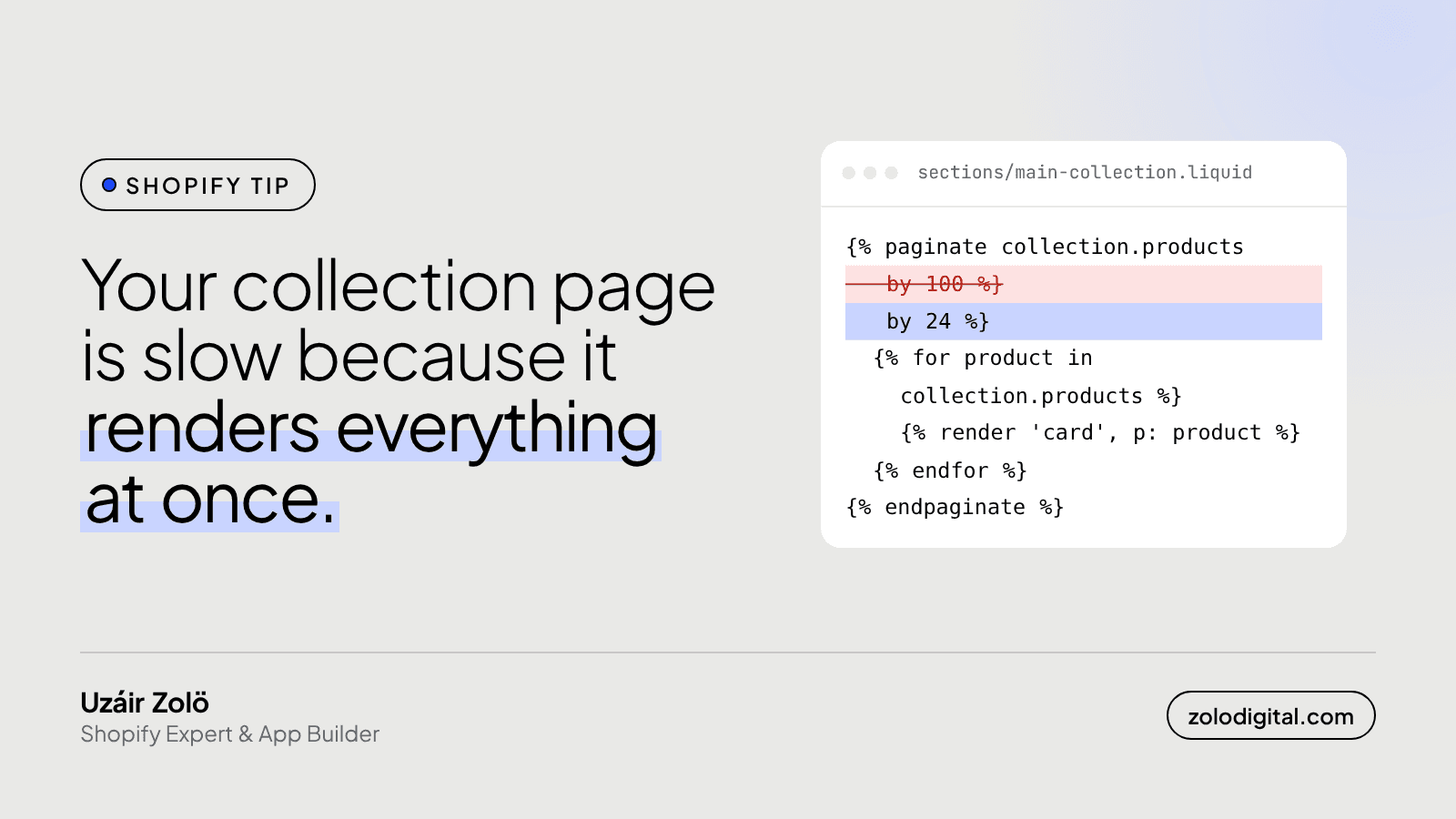
Shopify collection pages are usually slow because the theme renders too much at once: too many products per page, product cards that loop through every variant and carry their own quick-add form, and long filter lists nobody uses. Show fewer products per page, load card extras on demand, and trim the filters.
Collection pages get less attention than product pages, but they're where most shoppers browse. When I audit a slow one, the cause is rarely a single bug. It's a handful of reasonable decisions that multiply.
How many products should a collection page render?
Look for the paginate tag in your collection section:
{%- paginate collection.products by 100 -%}
  {%- for product in collection.products -%}
    {% render 'product-card', product: product %}
  {%- endfor -%}
{%- endpaginate -%}
Every product in that page is rendered on Shopify's servers before the browser receives anything, and every card adds HTML, images and often scripts. A large page size makes the server work harder and the page heavier.
Start with 24 (it divides into rows of 2, 3 and 4). If the client wants long pages, add a "Load more" button or infinite scroll that fetches the next page with the Section Rendering API, so the first view stays light.
Why do product cards get heavy?
A product card often does more than it shows:
- Swatches built by looping through every variant and every option on every card.
- Quick-add forms with the full variant list and a JSON blob, repeated for each product.
- Second images on hover, loaded up front for cards nobody hovers.
- Badges worked out with nested loops over tags and section blocks.
Each one is fine on its own. Multiplied by the number of cards, it's a lot of Liquid and a lot of markup.
What to change:
- Load images below the first row lazily:
loading="lazy"on card images, eager only for the first few. - Render the quick-add form when someone opens it, by fetching the product's section, not on page load.
- Build swatches from
product.options_with_valuesinstead of looping over all variants. - Work out badge rules once, before the loop. (I wrote about that loop pattern here.)
Do filters slow down a collection page?
They can. Storefront filtering (set up in the Search & Discovery app) renders every filter and its values in the sidebar. A filter on product tags, or on a metafield with hundreds of values, means hundreds of checkboxes and counts on every collection page.
Go through the filters with the client and keep the ones people use: usually price, availability, size, colour and product type. Filters with long lists of values are better hidden behind a "Show more" or dropped.
How do you find which part is slow?
Two tools cover most of it:
- Shopify Theme Inspector for Chrome shows how long each Liquid file takes to render on the server. If the product card snippet dominates, start there.
- Chrome DevTools, Network tab: reload the collection page and sort by size. Count the images loaded on first view and check for scripts repeated per card.
Change one thing at a time on a duplicate theme, measure again, and keep what helps.
The short version
Render fewer cards, make each card lighter, and only show filters people click. None of this needs a new theme.
If your collection pages feel slow and you'd like someone to go through them, I do Shopify speed work and theme audits.


