
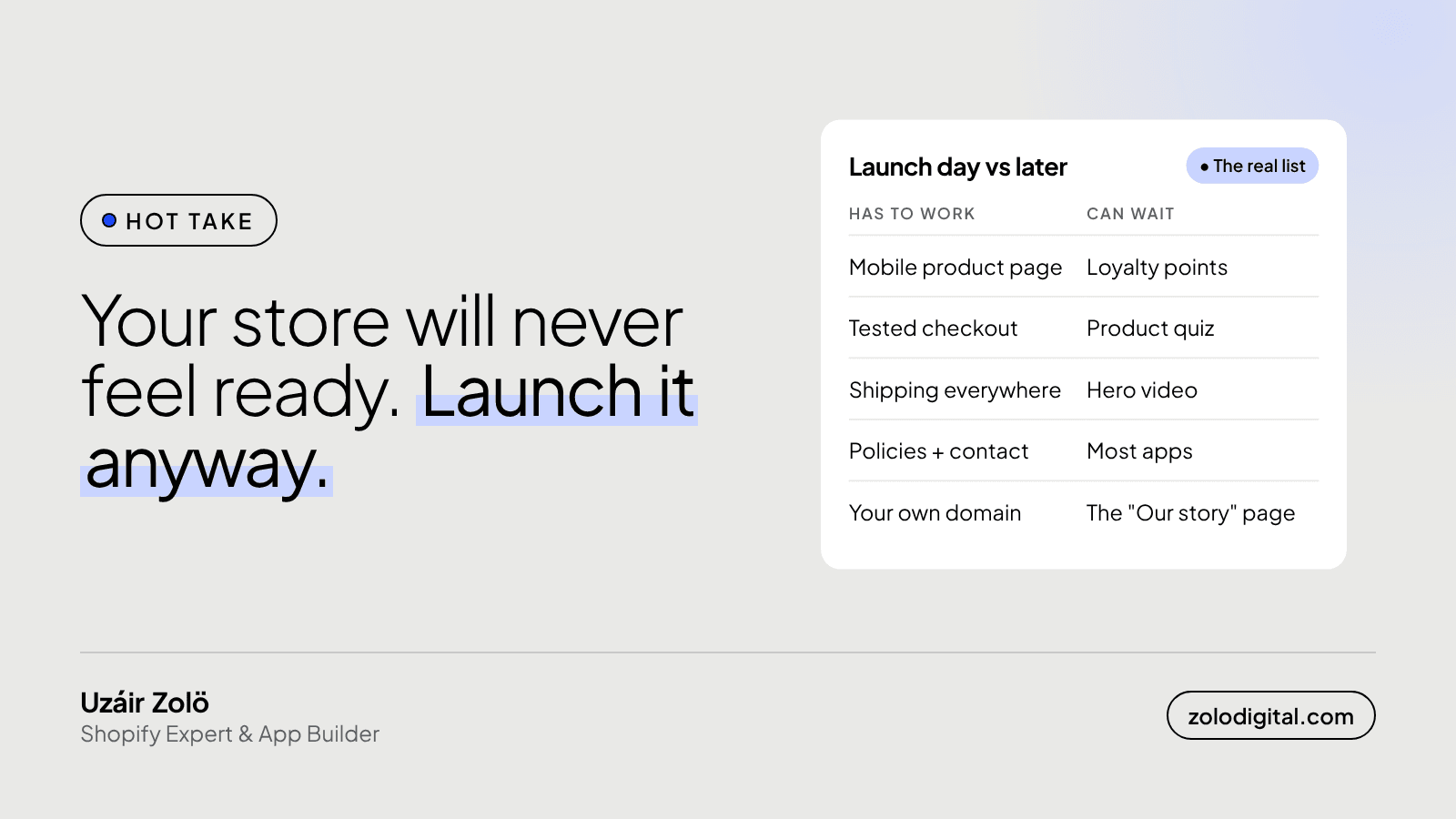
Yes. A Shopify store is ready to launch when five things work: the product page on a phone, a tested checkout, shipping rates for everywhere you deliver, policy and contact pages, and your own domain. Everything else, from loyalty points to the hero video, is easier to get right once real customers are using the store.
I've never met a store that felt ready. There's always one more thing on the list: a quiz, a loyalty programme, an animated banner, a third font "just to see". Meanwhile the store sits behind the password page, beautifully finished and visited by its owner. Very polished. Very private.
What has to work before you launch a Shopify store?
This is the whole list. If these work, take the password off.
- The product page, on a phone. Price, clear photos, when it arrives, how returns work, and the add to cart button, without hunting for any of them. Most first visits land here, not on the homepage (more on that in why the homepage is the least important page).
- Checkout, proven. Place an order the way a customer would and watch it all the way through: payment, the order in your admin, the confirmation email. Then refund it.
- Shipping rates for every place you deliver to. A customer in a region you forgot gets "no shipping available" at the last step, which is a very quiet way to lose a sale.
- Policies and contact details. Refund, privacy, shipping and terms pages, linked in the footer, plus a way to reach you. Shopify can generate starting templates under Settings → Policies; read them and make them match how you actually work.
- Your own domain. Connected under Settings → Domains, set as the primary domain, so links and emails don't show
your-store.myshopify.com.
How do you test checkout before launch?
If you use Shopify Payments, turn on test mode in its settings and pay with Shopify's test card numbers. If you use another payment provider, or want to be fully sure, place a real order with your own card and refund it from the order page. A real order also checks the parts test mode skips: the confirmation email in a real inbox, the payout details and any app that reacts to new orders.
Do it on a phone. That's where most of your customers will do it.
What can wait until after launch?
More than you'd think:
- Loyalty and referral programmes. They reward repeat customers. You need some first.
- Quizzes and product finders. Better designed once you know what people actually ask.
- The hero video. The homepage is rarely where people walk in.
- Most apps. Every app adds cost and code that loads for every visitor. Add one when a real problem shows up, not in case one does (I wrote about keeping fewer apps).
- Perfect copy on every page. Write the product pages well. The "Our story" page can improve in week three.
None of these is a bad idea. They're just guesses until there's traffic to test them on.
What should you do in the first week after launch?
Watch, then fix. In Analytics → Reports, open the Sessions by landing page report and see where people really arrive. Read every order and every customer message: the questions people ask are the gaps in your product pages. Check the store on your own phone at least once a day, because that's how your customers see it.
After a week you'll have a short list of changes based on what people did, not what you imagined they'd do. That list is worth more than another month on staging.
The short version
Launch when the product page, checkout, shipping, policies and domain work. Keep the rest on a list and let your first customers decide its order. A store that's live and a bit plain beats a perfect one nobody can reach.
If you're building a new store and want it launched properly, without a six-month wishlist, see building a new Shopify store. Already live and not sure what to fix first? That's what the Shopify audit is for.


