
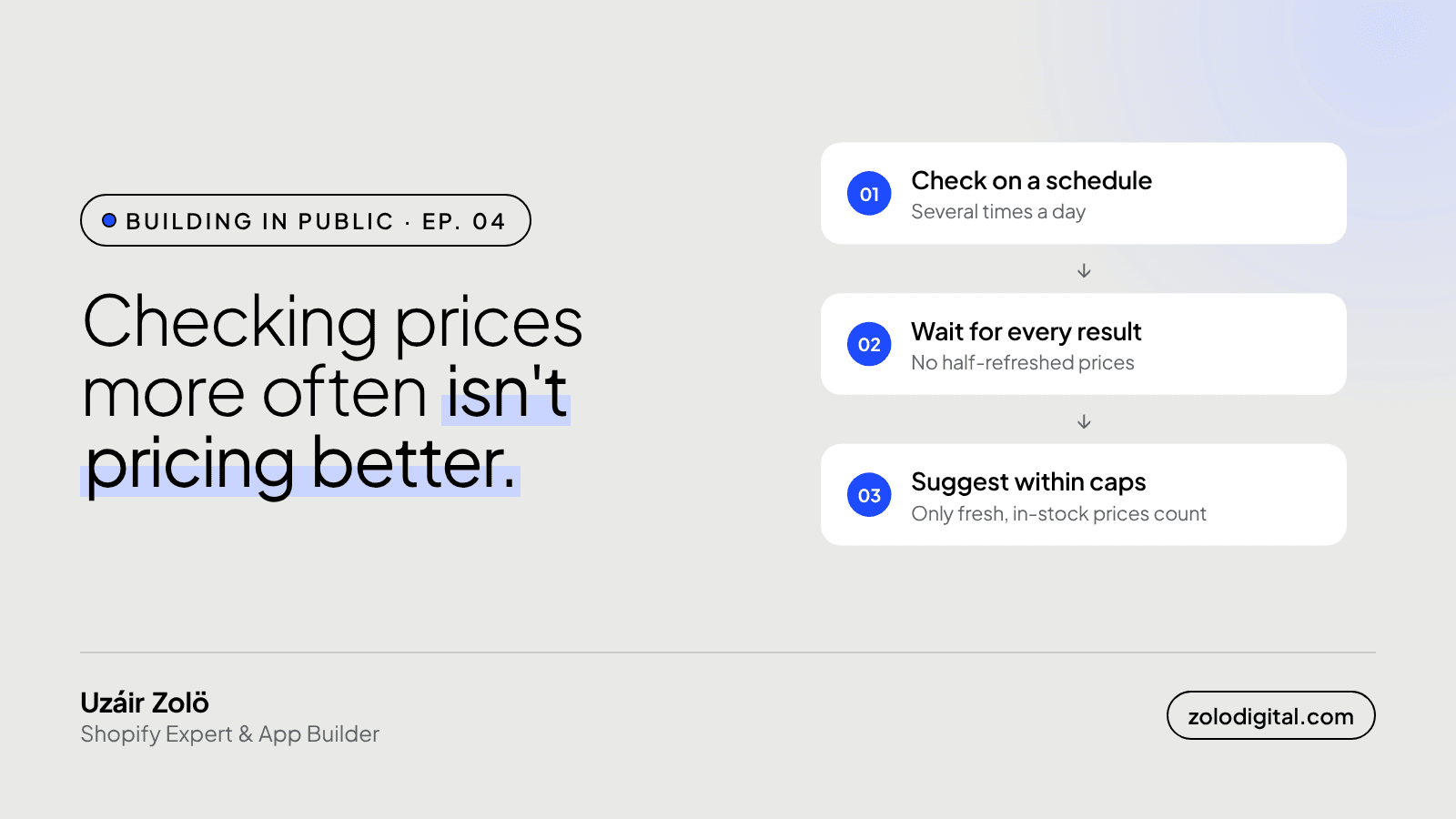
Check competitor prices a few times a day, not every few minutes. That's often enough to catch real price moves, and rare enough that retailers don't block you. PriceToolKit checks on a schedule several times a day, only trusts prices that are in stock and recent, and waits for a full round of results before it suggests anything.
In Ep. 03 I promised this one: how often to check, and why more often isn't better. It's an odd thing to argue as the person building the tracker. "Check constantly" would make a nicer feature list. It would also make a worse app.
What does checking too often cost you?
Three things, and none of them show up on the pricing page.
You get blocked. Every check is a request to someone else's store. A retailer that sees the same visitor asking for the same page over and over will eventually stop answering. Then you have no price at all, which is worse than a price from this morning. PriceToolKit already has a status for this: a blocked link is retried daily rather than hammered, because hammering is how it got blocked.
You chase noise. A competitor's price that changes and changes back within the hour is often a mistake, a test or a flash sale ending. Following every one of those means your price wobbles too.
Your shoppers notice. Someone who sees your price move every time they refresh doesn't think "dynamic pricing". They think "I'll wait and see if it drops again", and leave.
How often does PriceToolKit check?
On a schedule, several times a day. That's frequent enough that the price you compare against is from today, not last week, and the daily digest tells you what moved.
The schedule matters less than what the app does with the results, though.
Which competitor prices actually count?
Not all of them. By default, a pricing rule only uses competitor prices that are:
- In stock. An out-of-stock competitor price isn't a price you're competing with.
- Checked in the last 48 hours. If a link stopped answering two days ago, its old price doesn't get a vote.
You can change which competitors a rule listens to, but those two filters are the reason a check schedule doesn't need to be aggressive. A stale price is ignored, not trusted.
Why does the app wait after a round of checks?
Competitor checks don't all finish at the same moment. If the app repriced as soon as the first results came in, it would be pricing off half the picture: three competitors updated, two still showing yesterday. So pushes pause for a few minutes after a check completes, and suggestions are recalculated on the full set. I covered this in Ep. 02; it's one of the guardrails.
The same patience applies to broken links. One failed check is usually a slow server. A link is only marked broken after three failed checks in a row, and then the app searches that retailer again for the product.
Doesn't auto mode want faster checks?
It's the opposite. Auto mode caps how far a single change can move your price and how many changes go out per day. The recommended start in the docs is small: 5% per change and 10 to 20 changes a day, watched through the daily digest for a week. With a daily limit on changes, checking every minute wouldn't make your prices react faster. It would just use up the limit on noise.
So how often should you check?
If you're doing it by hand, once a day for the products where you're actually close to a competitor is plenty. If an app does it for you, a few times a day is the sweet spot, as long as it ignores stale and out-of-stock prices and doesn't react to half a round of results.
Fast enough to be right today. Slow enough that nobody blocks you, including your own shoppers.
What's next?
Next episode: rules in practice, and what "price me just below the cheapest competitor, but never below cost" looks like once it meets a real catalogue.
PriceToolKit is in development. Join the waitlist to hear when it's ready, or read the docs for how tracking works today.


