
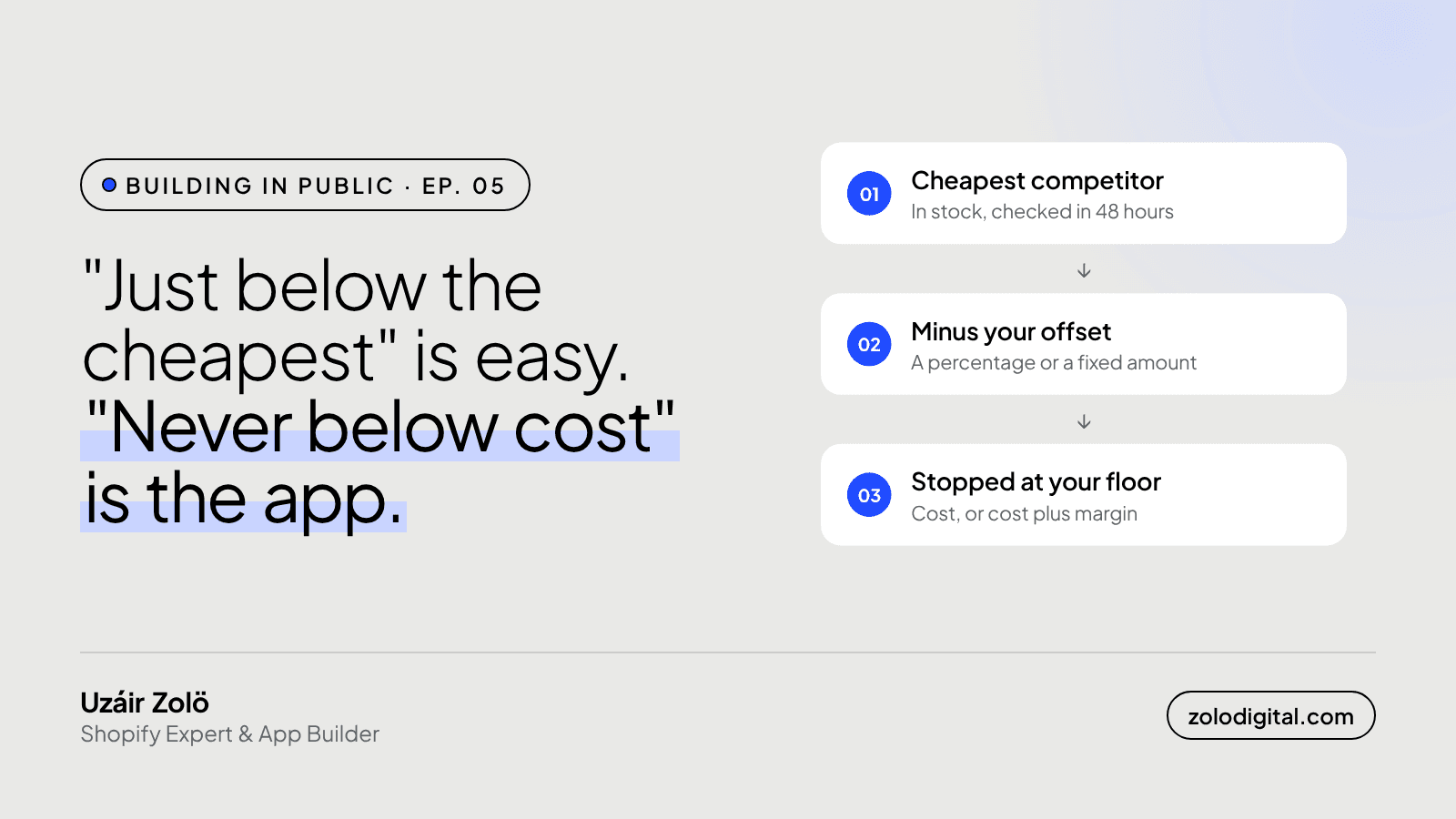
"Price me just below the cheapest competitor, but never below cost" takes seven settings to write as a rule: which products it covers, where you sit against which competitor price, which competitors count, your floor, what happens when the target is under it, rounding, and how far one change may move. Miss one and the rule does something you didn't mean.
In Ep. 04 I promised this one. It's the rule nearly every store owner describes first, in one breath, usually while doing something else. It sounds finished. It isn't, and the gaps are exactly where a repricing app can quietly cost you money.
Which products should the rule cover?
Every rule has a scope: one variant, a product, a collection, a brand, a product type, or the whole catalogue. When several rules match one product, the most specific one wins.
That matters on day two, when you find the product that shouldn't follow the default: the one you sell bundled, or the one where you're happy to be the expensive option. You write a rule for that product alone, and it beats the catalogue-wide rule without you having to switch anything off.
"Below the cheapest" of whom?
The rule sets a position: below, equal to or above the cheapest, average or highest competitor. Then it sets the competitors. All of them, or only the ones you pick, which is usually the shorter, more honest list of stores you actually lose sales to.
And not every price gets a vote. By default only prices that are in stock and were checked in the last 48 hours count. If the cheapest store is sold out, it isn't competing with you, so it doesn't drag your price down.
How far below?
An offset, as a percentage or a fixed amount. "A little" is how people say it. It isn't something software can do anything with.
Never below which cost?
The floor can be your unit cost, cost plus an extra margin, or the compare-at price. There's a ceiling too, so a competitor with a typo in the other direction can't pull you up.
"Never below cost" usually means "never below the point where this sale is still worth making". That's cost plus a margin, and it's worth saying so in the rule.
What happens when the cheapest is already below your floor?
This is the whole point of the rule. You pick the fallback:
- Clamp to the floor: price at the lowest you're willing to go.
- Clamp to the ceiling: for rules that position you above the market.
- No suggestion: leave the price alone and tell you about it.
What it never does is follow a competitor down because they decided to sell at a loss. That's their decision. It shouldn't automatically become yours.
Why does rounding need its own setting?
Because "just below" plus an offset produces prices nobody would type. Rounding ends prices in .99, .95 or .00, or rounds to a step like 0.05, so the price looks like a person chose it.
What stops one change from swinging the price?
A change limit caps how far a single change can move a price. In auto mode there's also a daily cap on how many changes go out. A bad scrape or a flash sale can't move your price a long way in one go.
How do you know the rule did what you meant?
Every suggestion shows its working: which rules were considered and which one won, the competitor prices it used and the ones it ignored, the target it calculated, whether a floor or ceiling clamped it, and how rounding changed the final figure. If the explanation is right but the price isn't what you wanted, the rule is wrong, and the rule builder previews a change before you save it.
So the one-breath rule turns into this:
Scope:        whole catalogue
Position:     below the cheapest
Competitors:  the ones I pick
Offset:       a small fixed amount
Floor:        cost + my margin
If below:     no suggestion, tell me
Rounding:     .99
Change limit: capped per change
"Just below the cheapest" is a sentence. "Never below cost" is the app.
What's next?
PriceToolKit is in development. Join the waitlist to hear when it's ready, or read the docs for how rules work today.


