
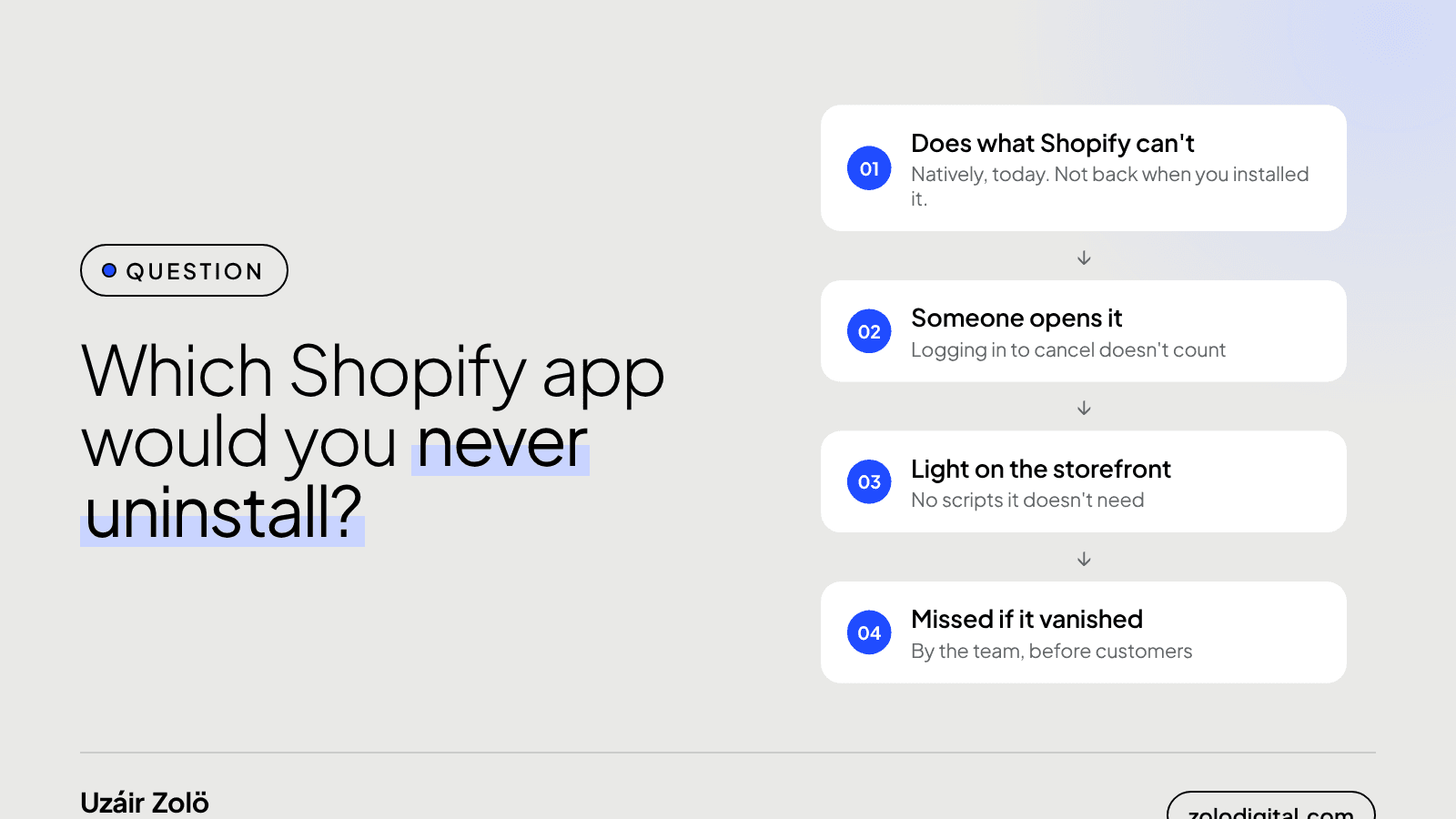
A Shopify app is worth keeping when it passes four checks: it does something Shopify or your theme can't, someone on the team actually uses it, it loads nothing on the storefront it doesn't need, and you'd notice quickly if it disappeared. Fail one and it's a candidate for review. Fail two and it's probably costing more than it gives.
Last week I wrote about why most stores need fewer apps, not more. This is the other half: which ones deserve to stay. I build Shopify apps, so yes, I'm biased. That's also why I care which ones people would actually fight for.
What makes a Shopify app worth keeping?
Run every app through these four questions:
- Does it do something Shopify can't? Shopify keeps adding features that used to need an app. Check whether the platform or your theme does it natively now. "It did when we installed it" isn't the same answer.
- Does someone actually use it? Name the person and the task. If the only person who logs in is the one who pays the bill, that's a sign.
- What does it load on the storefront? An admin-only app costs you nothing in page speed. A widget that loads scripts on every page has to be worth that weight.
- Would you notice if it vanished? If removing it breaks fulfilment, reporting or a workflow someone relies on, it's load-bearing. If nobody would notice for a month, it isn't.
Which kinds of apps usually earn their place?
The apps that survive audits tend to fall into a few groups:
- Admin tools that replace manual work. Bulk editing, rule-based collections, scheduled price changes. They run in the admin, load nothing for shoppers, and save real hours. That's the gap I built Collection Toolkit for.
- Integrations with the systems that run your operations. Couriers, order management, ERP or accounting sync. If orders stop flowing, you find out fast, which is exactly the "would you notice" test. More on that in courier tracking on Shopify.
- Apps that hold data you can't easily rebuild. Reviews, subscriptions, loyalty points. Here the data is the reason to stay, so if you ever do switch, plan the export first.
None of these are automatic keeps. They just tend to pass the four questions more often than storefront widgets do.
What about the app nobody dares to touch?
Every store seems to have one: installed years ago, nobody remembers why, and everyone is afraid that removing it will break something. You can find out what it does without risking the live store:
- Check what it loads. Open the storefront with Chrome DevTools, filter the Network tab by JS, and look for the app's domain. No requests on any page means it's not touching the storefront.
- Check app embeds and theme code. In the theme editor, see if it has an App embed switched on, and search
theme.liquidand/snippetsfor its name. - Test on a duplicate theme. Duplicate the live theme, switch the embed off there, and preview the key pages: home, collection, product, cart.
- Ask who it talks to. Some apps sync with a warehouse, courier or accounting tool in the background. Ask the ops team before you uninstall anything that sounds like an integration.
If it loads nothing, nobody uses it and nothing downstream depends on it, you have your answer.
Why am I asking which app you'd never uninstall?
Because the answers say a lot about what stores actually need. The apps people defend are usually the ones that remove a boring, repetitive job, and that's the kind of problem I like building for, whether it's collections today or competitor prices with PriceToolKit.
So tell me: which app would you never uninstall, and why?
Want a second pair of eyes on your app list? That's part of every Shopify audit.


