
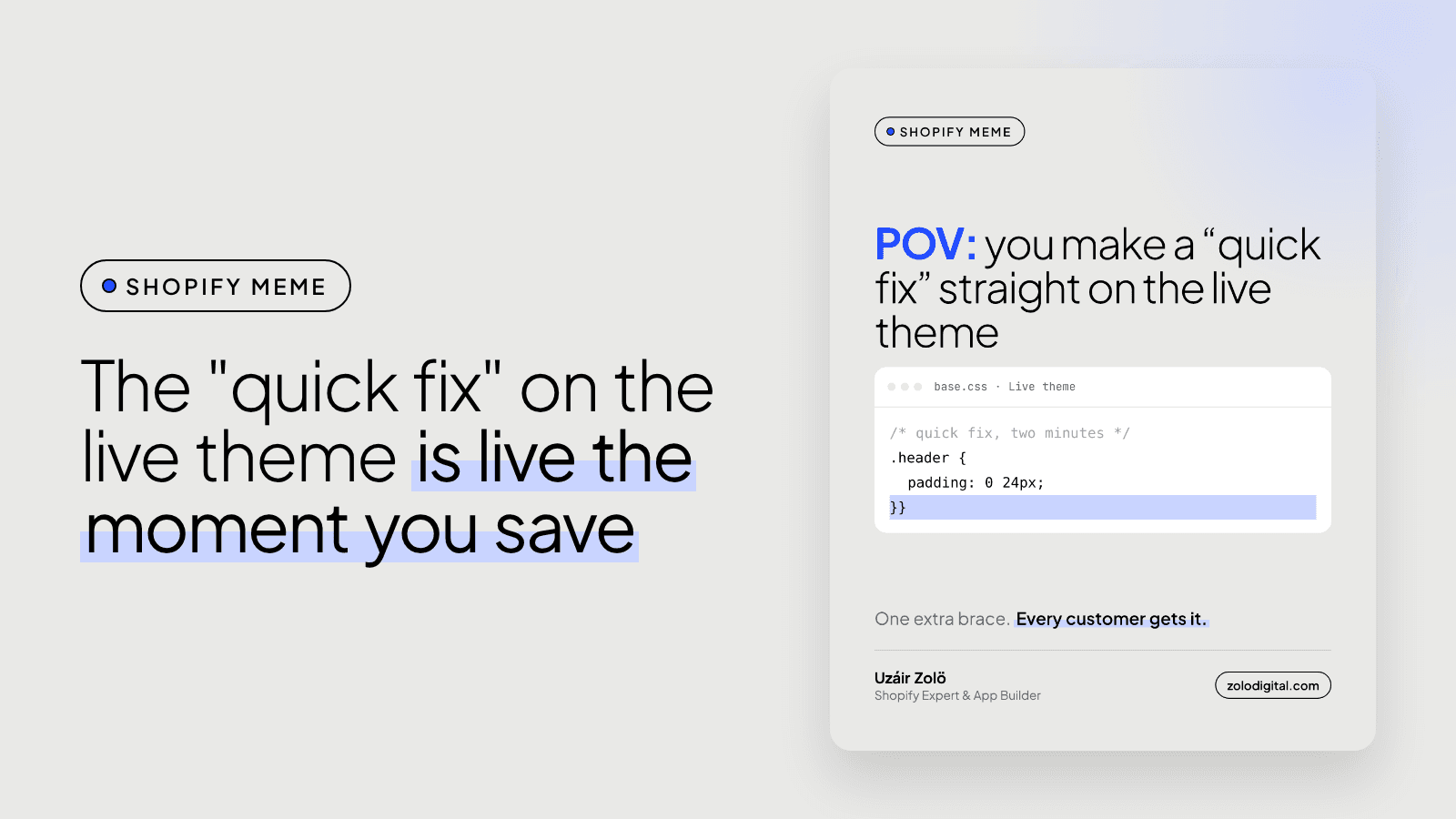
Editing your live Shopify theme's code is risky because there is no draft: when you click Save in the code editor of the published theme, every customer gets the change straight away. For anything bigger than a typo, duplicate the theme, make the fix on the copy, preview it, then publish. If the live theme is already broken, roll the file back to an older version.
Every developer has said it. "It's a two-minute fix, I'll just do it on the live theme." The fix usually is two minutes. The extra closing brace that comes with it is free.
What happens when you save code on the live theme?
It goes live. The code editor doesn't separate saving from publishing on the theme customers are using. A stray } in your CSS can quietly swallow the rule after it, and a JavaScript typo can stop the add-to-cart button working, and you'll often find out from a customer before you find out from yourself.
Shopify does refuse to save Liquid with a syntax error, which helps. It won't catch CSS, JavaScript, or Liquid that is valid but wrong.
How do you make a quick fix safely?
It adds about three minutes:
- Go to Online Store → Themes, open the … menu on the current theme and choose Duplicate.
- Edit the code on the copy, not the live theme.
- Click Preview on the copy and check the page you changed, on a phone as well as a laptop.
- When it looks right, Publish the copy.
One catch: if the store changes its theme settings or content in the editor while you're working on the copy, those changes stay on the old theme. For a short fix that's rarely an issue. For longer work it is, and it's how a store ends up with a theme library full of "Copy of Copy of" (I wrote about why you can't see your Shopify changes when that happens).
How do you undo a change on the live theme?
Open the file in the code editor and use the Older versions dropdown above it. Each save is kept, so you can go back to the version from before the fix and save that. It works per file, so if the fix touched three files, roll back all three.
What should you use instead of duplicating themes?
For a store that changes every week, connect the theme to GitHub. Every change gets a history and a way back, and the theme editor's changes are committed too, so nothing gets stranded on an old copy. I walked through it in why connect your Shopify theme to GitHub. Developers can also run the Shopify CLI's shopify theme dev to work against a local preview that customers never see:
shopify theme dev --store your-store.myshopify.com
Want someone else to make the quick fix?
Small theme changes are most of what stores ask me for, and they get done on a copy first. See Shopify UX and UI design or get in touch.


