
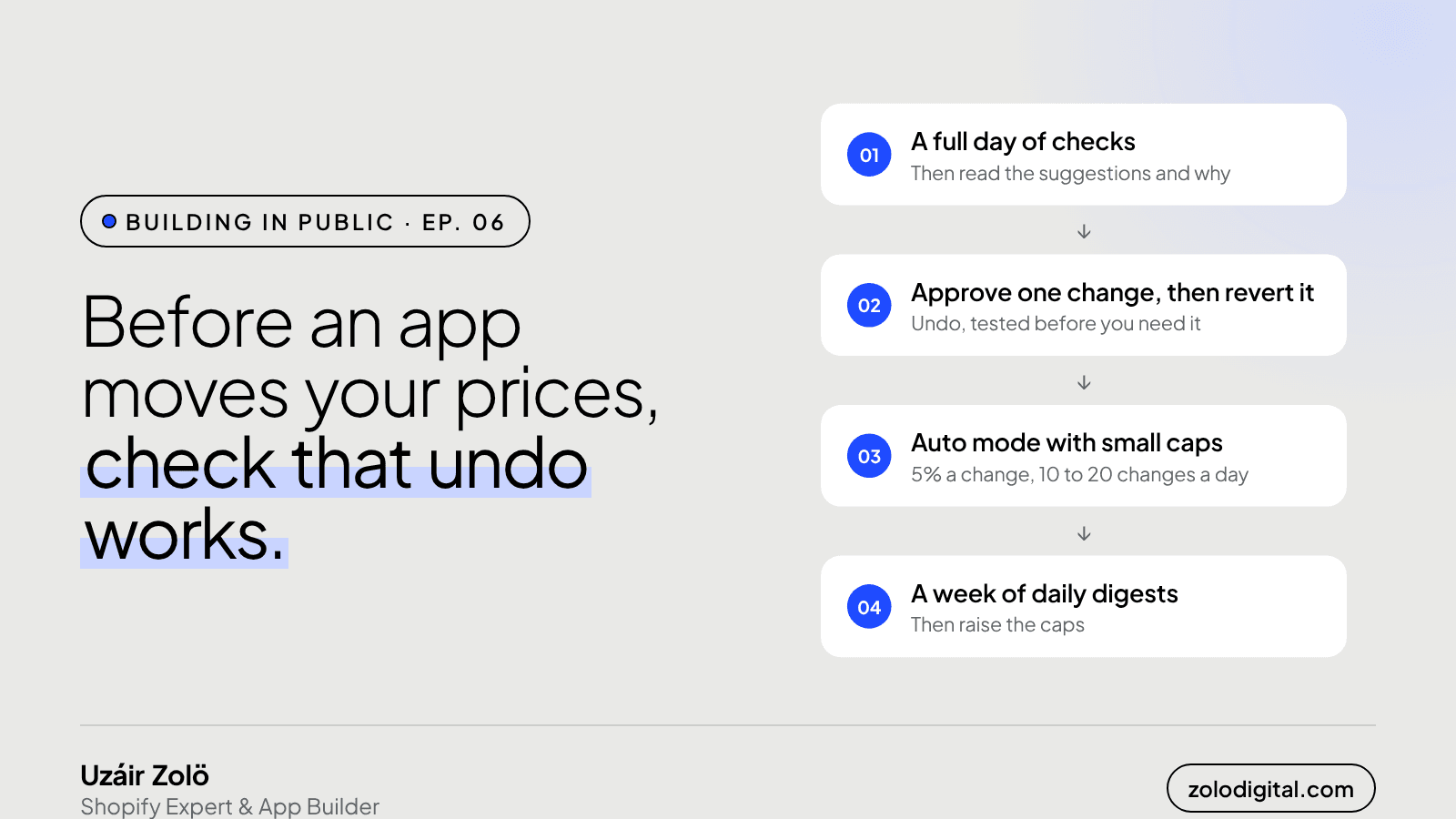
It's safe to let a repricing app change your prices on its own once four things are true: it has a full day of competitor data, you've read its suggestions and agree with the reasoning, you've pushed one change and reverted it, and auto mode starts with small caps. Then you watch a week of daily digests before raising them.
In Ep. 05 the rule turned out to be seven settings. This episode is about the switch everyone reaches for straight after writing it: auto mode, where the app pushes prices to your Shopify store without asking. It's the best part of a repricing app and the part that can do the most damage while you're asleep, so the docs give it an order. Here it is, with why each step is there.
What are the three repricing modes?
- Suggest only is the default. PriceToolKit recommends prices and changes nothing in your store.
- Approve pushes only the changes you approve.
- Auto pushes changes within the caps you set: a maximum change per push, as a percentage, and a maximum number of changes per day.
Every store starts in suggest mode. Nothing moves until you decide it should.
Why wait a full day before trusting the suggestions?
Add your competitors, then let a full day of checks run. The first checks are where the app learns where each site shows its price, and broken or blocked links only show up as checks repeat. A suggestion built on a few hours of that is a guess with a decimal point.
What should you look for in the explanations?
Read a few suggestions and the explanation under each one: which rules were considered, which one won, the competitor prices it used and ignored, and any floor that clamped the result. You're not checking the maths. You're checking that the reasoning is the reasoning you'd use. If the explanation is right and the price still isn't what you want, the rule is wrong, and the rule builder previews a fix before you save it.
Why push one change and then undo it?
Switch to approve mode and push a single change by hand. Then revert it from Activity.
Nothing was wrong with it. The point is to see undo work while nothing depends on it. Every change PriceToolKit pushes is listed in Activity with a revert button, one at a time or in bulk. Knowing where that button is, before a competitor's typo turns into your price, is worth the two minutes.
How big should the first caps be?
Small. The docs suggest starting auto mode at 5% per change and 10 to 20 changes a day. That's enough to keep up with ordinary competitor moves and too little for one bad reading to swing a price a long way. A few minutes' pause after each round of checks also means prices are never set from half-refreshed data.
What do you watch for in the first week?
The daily digest: competitor price moves, broken or blocked links, the changes pushed or rejected, and anything waiting for your approval. It goes to your store's contact email by default, at an hour you choose. Read it for a week. If it's boring, raise the caps. Boring is the goal.
What happens to your prices if you uninstall?
They stay where they are. Uninstalling doesn't roll prices back, so revert anything you want undone from Activity first. Shopify tells the app 48 hours after you remove it, and everything held for your store is erased.
So when is it safe?
Day 1     Add competitors, let checks run
Day 2     Read suggestions and explanations
          Approve one change, revert it
          Auto mode: 5% a change, 10-20 a day
Week 1    Read the daily digest
After     Raise the caps, slowly
Trusting automation isn't a setting. It's a week of boring emails.
What's next?
PriceToolKit is in development. Join the waitlist to hear when it's ready, or read the docs for how each mode works today.


